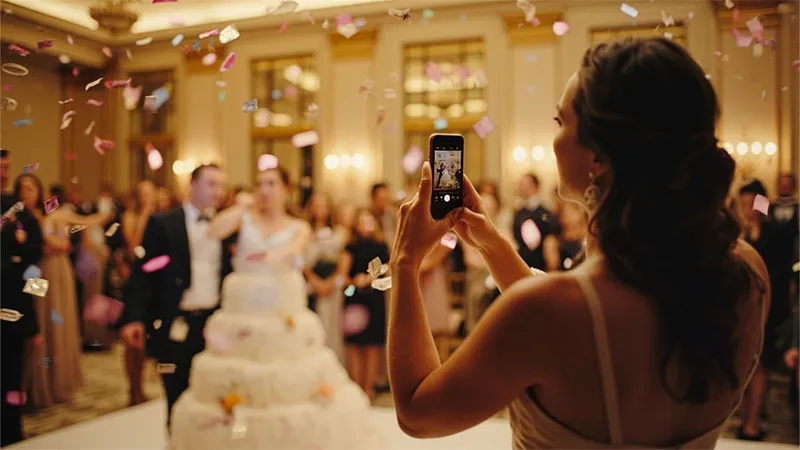

A photo wall used to mean a board of printed pictures by the entrance. Today it can be a screen that fills up with your guests' photos as the night goes on — the toast, the first dance, the cousins on the dance floor — each one appearing a few seconds after it is taken.
Cypriot weddings are often big, warm and long. That makes them perfect for a live photo wall. Here are practical ideas to make yours work.
What is a live photo wall?
Guests scan a QR code, add their photos to your wedding album, and the photos appear on a TV or projector at the venue. With Kukuva, new photos show up within seconds, with smooth transitions and the QR code right on the wall, so more guests join in as the evening goes on.
Nobody needs to install an app or create an account. Any phone works.
1. Pick the right screen
- A large TV is easiest for indoor halls and smaller receptions. Put it at eye level near the bar or the dance floor.
- A projector gives a big, dramatic image on a wall or screen. It needs darkness, so it shines once the sun has set.
- The venue's own screens. Many reception halls in Cyprus already have screens or LED walls. Ask the venue or the AV team early, and test the browser on the day.
The wall is just a web page, so any screen with a browser will do — a laptop connected by HDMI, a smart TV or a streaming stick.
2. Think about the summer light
Many Cyprus weddings happen outdoors between May and October. Bright evening light washes out projectors and makes TVs hard to read.
- Turn the wall on after sunset, when the reception moves into the evening.
- Put a TV in the shade, under a pergola or inside the bar area.
- Keep a projector for indoor halls or for after dark.
3. Place it where people gather
The best spot is one guests pass often: next to the bar, beside the dance floor or facing the main tables. Avoid putting it behind the couple's table — guests should not have to stare at the newlyweds to see the photos.
For very large receptions, two screens on opposite sides of the hall work better than one huge one.
4. Keep the QR code on the wall
The wall itself is the best invitation to take part. On Kukuva you can move and resize the QR code on the wall, so guests who see a funny photo can scan and add their own straight away. Pair it with printed table cards so everyone has a code within reach.
5. Add photo challenges
Give guests ideas of what to shoot. Photo challenges are short prompts that appear on the guest page, such as:
- a selfie with the bride
- the oldest and youngest guests together
- the best dance move of the night
- your table's best group photo
- a shot of the bouzouki player
Guests can like each other's photos, and the favourites appear on the wall too. "Most liked" becomes a small competition that keeps people uploading.
6. Decide how much you want to check
Most guests share lovely photos, but a wedding has grandparents and children in the room. You can choose to approve each photo before it appears on the wall. You can also hide an item from the wall at any time, rotate a sideways photo or add a caption.
Ask a friend or your planner to look after moderation from their phone during the evening. Invite them as a co-host so they can help without your password.
7. Set the pace
A wall that changes too fast is tiring, and one that changes too slowly feels stuck. Choose the timing and transitions that suit the mood — calmer during dinner, livelier once the dancing starts. Scrolling side columns keep recent photos on screen while the main photo changes.
8. Make it look like your wedding
Use your wedding colours and fonts on the album, a cover image you love and your own link name, like album.kukuva.cy/maria-and-nikos. On the Pro package you can also add a frame around every photo and remove Kukuva branding.
9. Do not forget the people who are far away
A live wall is great in the room, but the album keeps going after the night ends. Relatives abroad can look through the album from the same link, and guests can keep adding photos while uploads are open — 9 days on Plus and 30 days on Pro.
10. Test it the day before
A short check saves stress on the day:
- open the wall on the actual screen and leave it running for a while
- check the venue Wi-Fi, or bring a mobile hotspot for the wall
- scan the QR code from a few different phones
- make sure someone knows how to switch the screen on
Guest uploads resume by themselves if the venue Wi-Fi is weak, so photos will still arrive, just a little later.
After the wedding
When the music stops, download all the photos as a ZIP and keep them safe. On Plus and Pro you get the originals in full quality. Many couples print a few guest photos for their thank-you cards or make a small album of the funniest moments.
Ready to try?
You can test a live photo wall with the free package — no card needed. When you are happy, upgrade any time and pay only the difference. See the packages or read more about Kukuva for weddings.