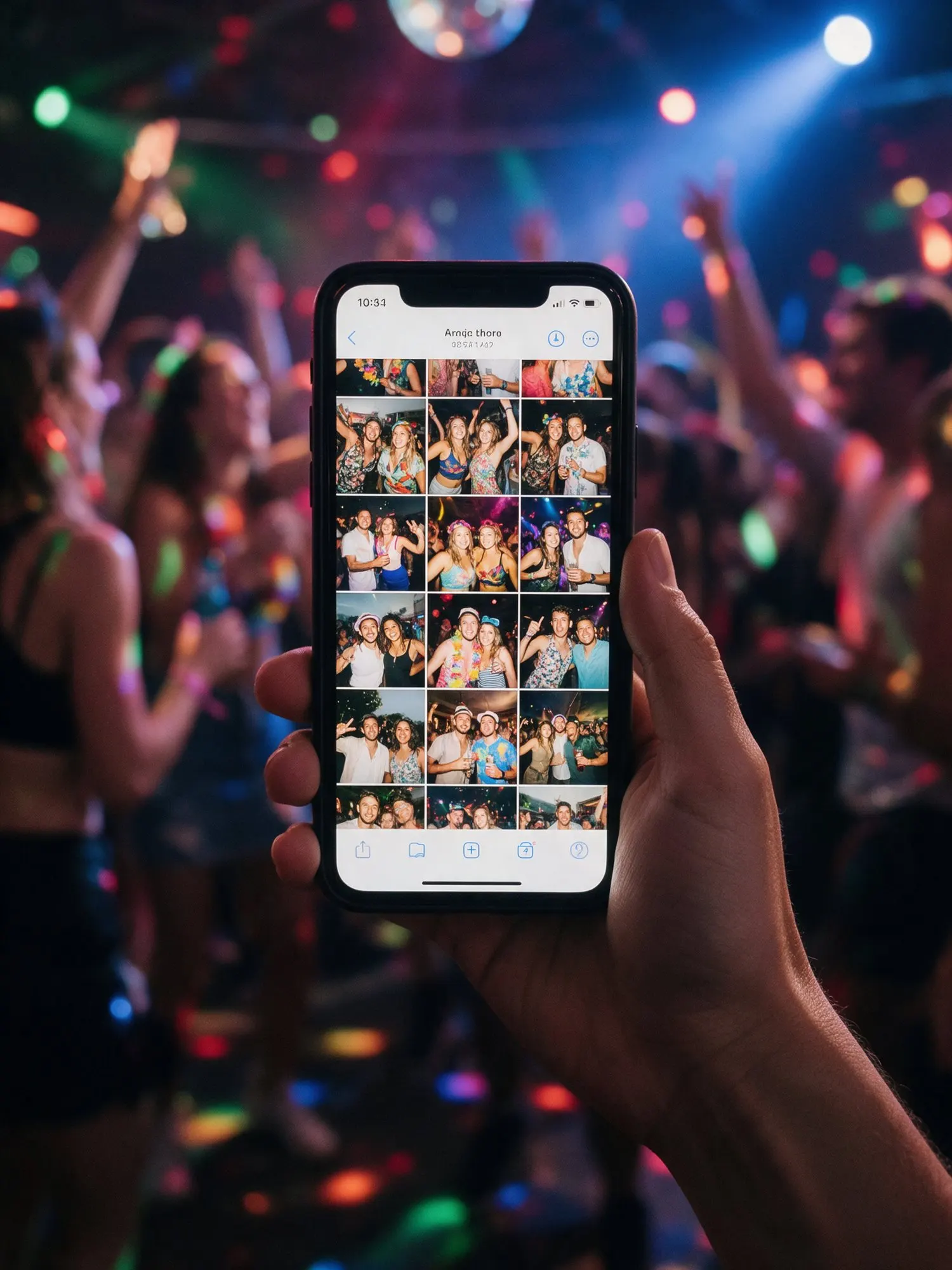








All the moments, in one place
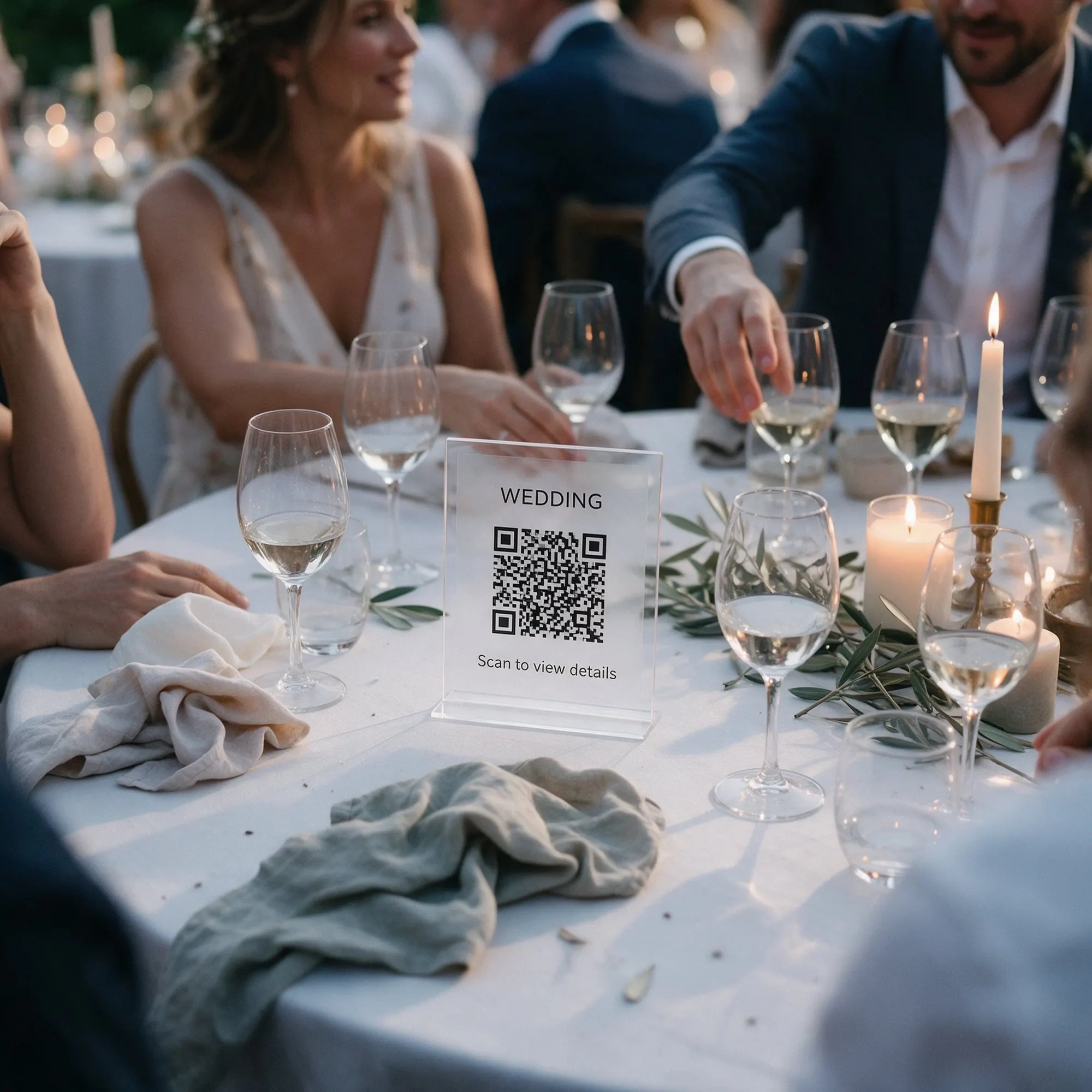
At most events the photos end up everywhere. Some in a WhatsApp group, some on Instagram stories, most of them still on the guests’ phones a year later. Kukuva gives your event one album that everyone adds to. Guests scan your QR code or tap your link, and the album opens in their phone’s browser.
Easy for every guest
There is no app to download and no account to create. Guests tap the upload button, pick photos and videos from their camera roll or take new ones, and they are done. They can write their name and a caption so you know who sent what, or leave them empty. If you prefer, you can turn the name box off completely.
Every package has unlimited guests. A family lunch with twenty people and a wedding with five hundred work the same way.
Browse it together
The album is not just a drop box. Guests can scroll through everything the others have shared, open photos full screen, play videos and like their favourites. Many guests spend the drive home looking through the album, and come back to it the next morning.
Guests can also add the album to their home screen like an app, with your event’s name and colours. That makes it easy to find again after the party.
You decide who sees what
By default guests can both view and upload. On Pro you can make the album upload-only, so guests send photos without seeing the others, or view-only once the event is over. You can also protect the album with a password and turn off guests’ downloads.
At a Cyprus event
Put the QR code on every table and at the entrance of the church or the venue. During the ceremony and the dinner the album fills up from every angle, from the front rows to the back tables, and by the end of the night you have the whole story of the day told by the people who were there.