Why parents use Kukuva
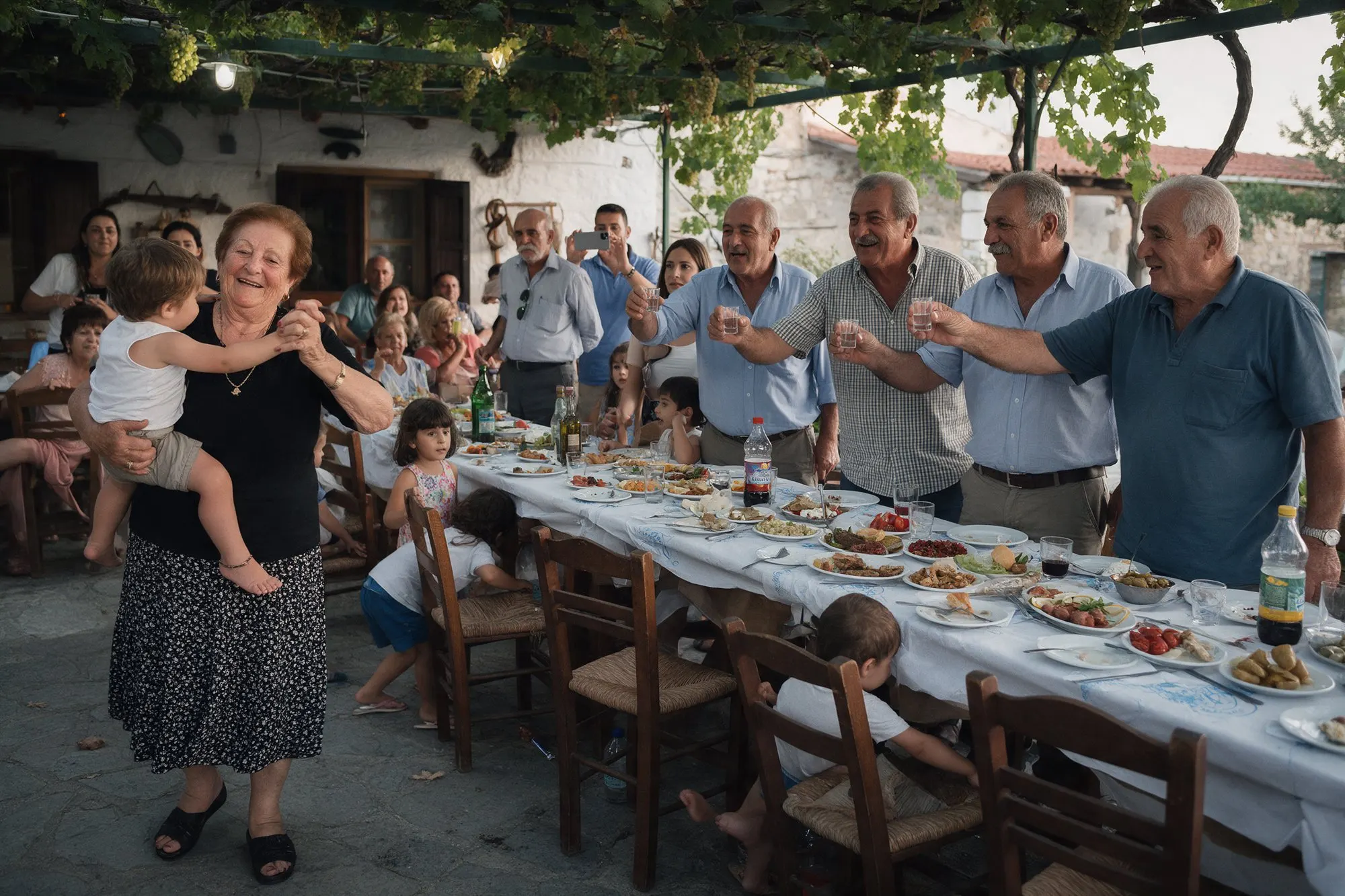
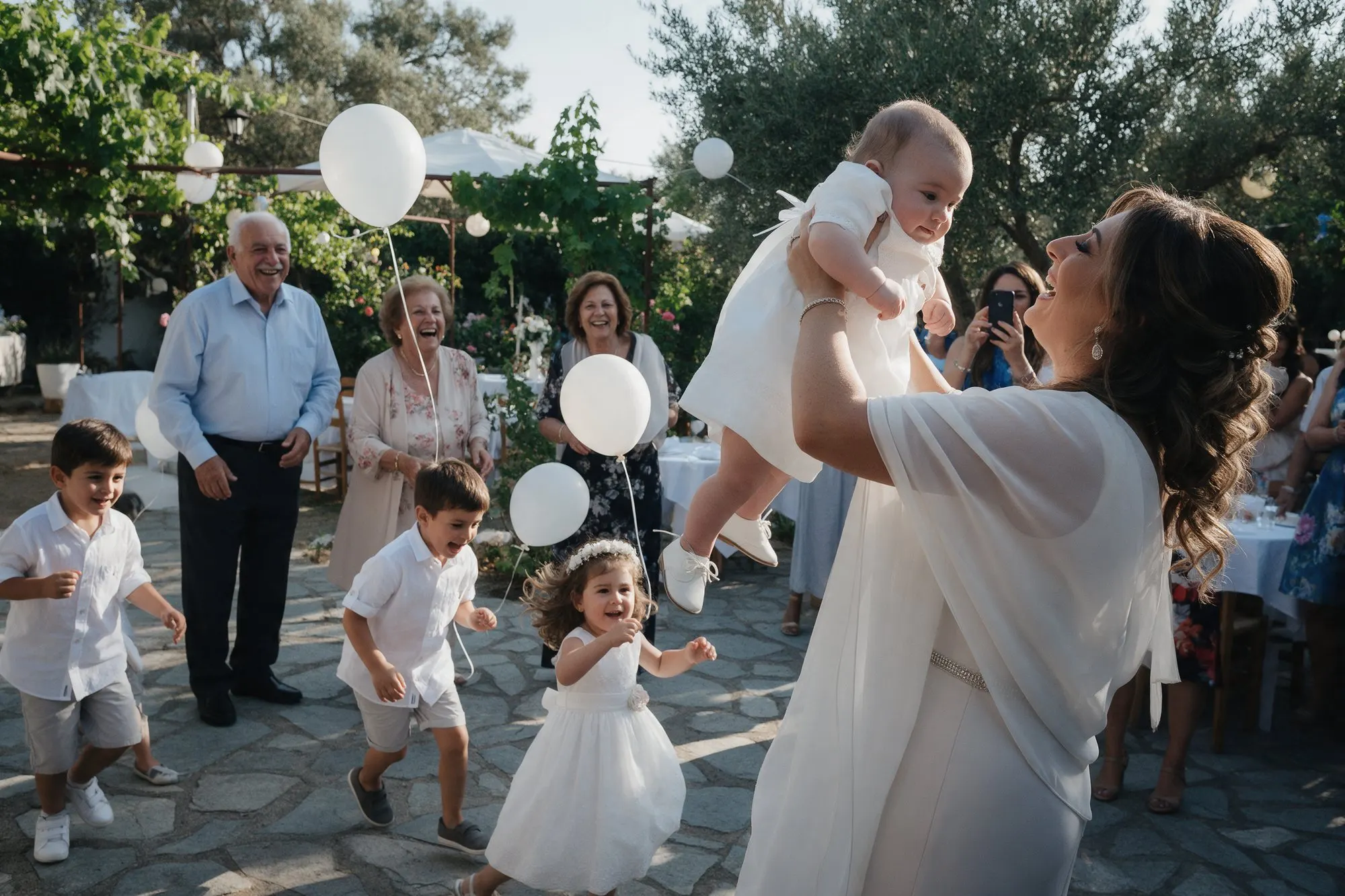
A christening goes by in a blur. You are holding the baby, greeting relatives and keeping an eye on the timing, and you see very little of the day yourself. Meanwhile your guests are taking photos from every corner of the church: the baby in the font, the godparent with the candle, the moment the little one gets dressed in white. Kukuva brings those photos together, so you can see the day you were too busy to watch.
How it works
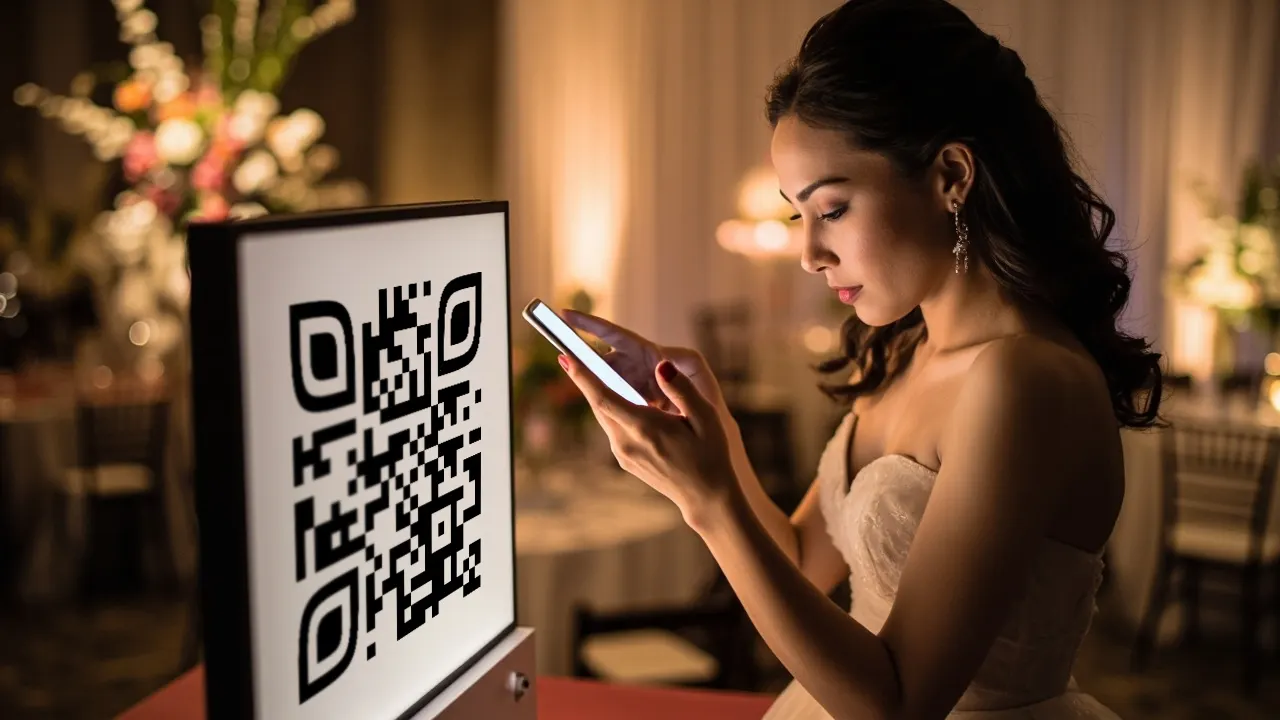
Place a QR code at the church entrance and on the tables at the reception. Guests scan it and add photos and videos from their phones, with no app and no sign-up. They can also write a wish for the child, and on Pro record a voice message. Imagine your child at eighteen, listening to their great-grandmother’s blessing from the day of their christening.
If the reception has a TV or projector, the live photo wall shows the photos as they come in. Children love seeing themselves on the big screen.
Your timeline
A few weeks before. Create your event. Choose a soft colour and a photo of the baby for the welcome screen. Write a short welcome message, for example “Share your photos from Andreas’s christening”.
The week before. Print table cards from Kukuva, or give the QR code to whoever designs your bonbonnières, invitations or signs. Send the link to the family WhatsApp group for relatives abroad.
On the day. Ask a godparent or a cousin to be co-host and keep an eye on the album, so you can focus on the baby.
Afterwards. Download the album and keep it with the child’s other keepsakes. Pick the most liked photos for thank-you cards.
Tips for Cyprus christenings
- Churches often have weak signal. Uploads continue where they stopped, so guests can share in the church and the photos finish uploading outside.
- Add photo challenges for the family, such as “three generations in one photo” or “the godparent holding the baby”.
- The ceremony and the reception may be hours apart. Set the event start time to when the church begins, so the upload window covers the whole day.
- Many grandparents read only Greek. Choose Greek as the event’s language, and other guests can switch to English or Russian with a tap.
Which package fits
Free works for a small family christening, with 150 uploads open for 3 hours from the start and the album kept for 14 days. Remember to download it in time.
Plus (€49) suits most christenings: 400 uploads open for 9 days, original quality, download all, photo challenges and a countdown before the day, with the album kept for a year.
Pro (€99) adds voice messages, frames with the child’s name and date, unlimited uploads and two years of storage, perfect for big christenings with hundreds of guests.
See all packages.