



Every guest in their own language
Celebrations in Cyprus bring people together from everywhere. Grandparents who read only Greek, friends from the UK, relatives from Russia, Ukraine or Israel, colleagues from all over Europe. Kukuva’s guest pages are in English, Greek and Russian. Guests see the language you choose for your event, and each guest can switch to another with one tap.
Every button, message and hint is translated, including the upload screen, the welcome screen, photo challenge ideas and the guest form. Greek is written properly, with accents and capitals that look right.
Your texts, your choice
The welcome message, the challenges and the questions on the guest form are written by you. Write them in the language most of your guests speak, or in two languages side by side for a mixed crowd.
The host dashboard is in English and Greek.
An app without the app store
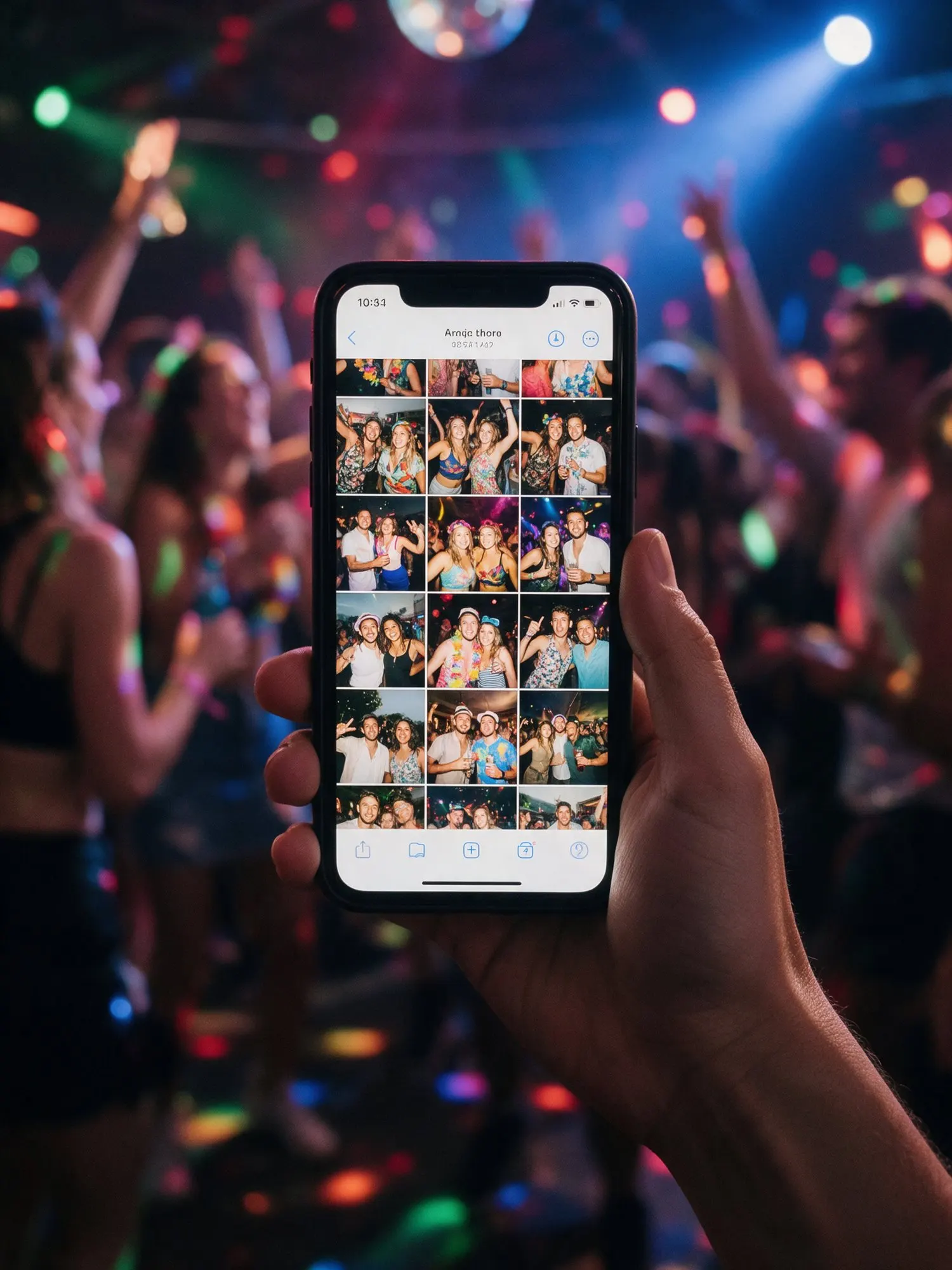
Guests can add your event to their phone’s home screen. It gets your event’s name and colours, opens like an app, and takes them straight to your album. No app store, no download, no space used on the phone. It is the easiest way for guests to come back after the party, to look through the photos and add the ones they forgot.
If the connection drops while a guest is using it, the page stays open and tries again when the phone is back online.
Where it helps most
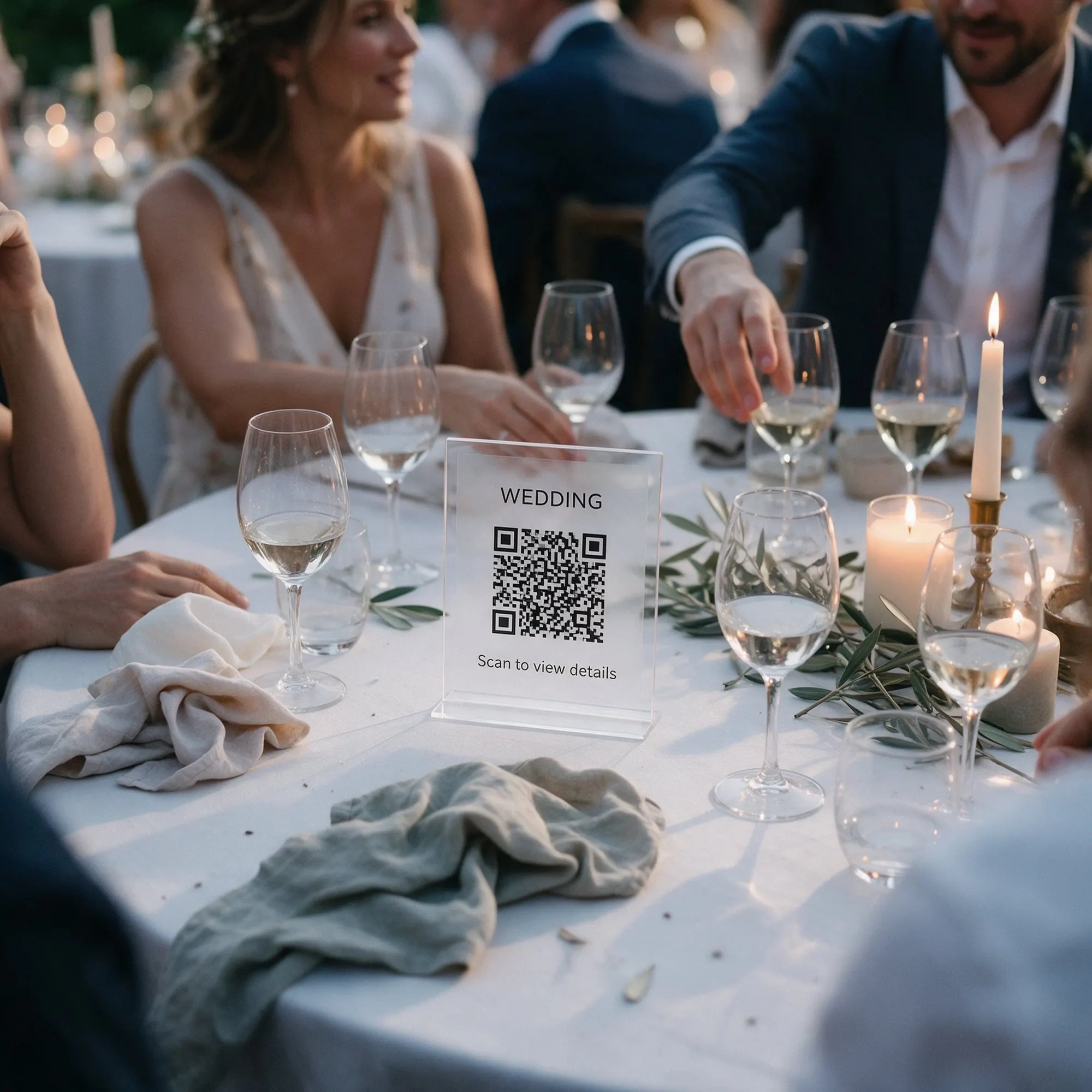
- International weddings in Paphos, Limassol and Ayia Napa, where half the guests fly in.
- Family events with relatives abroad, who follow the day from home and add their wishes.
- Corporate events and conferences with international teams.
- Mixed families, where grandparents and grandchildren read different languages.