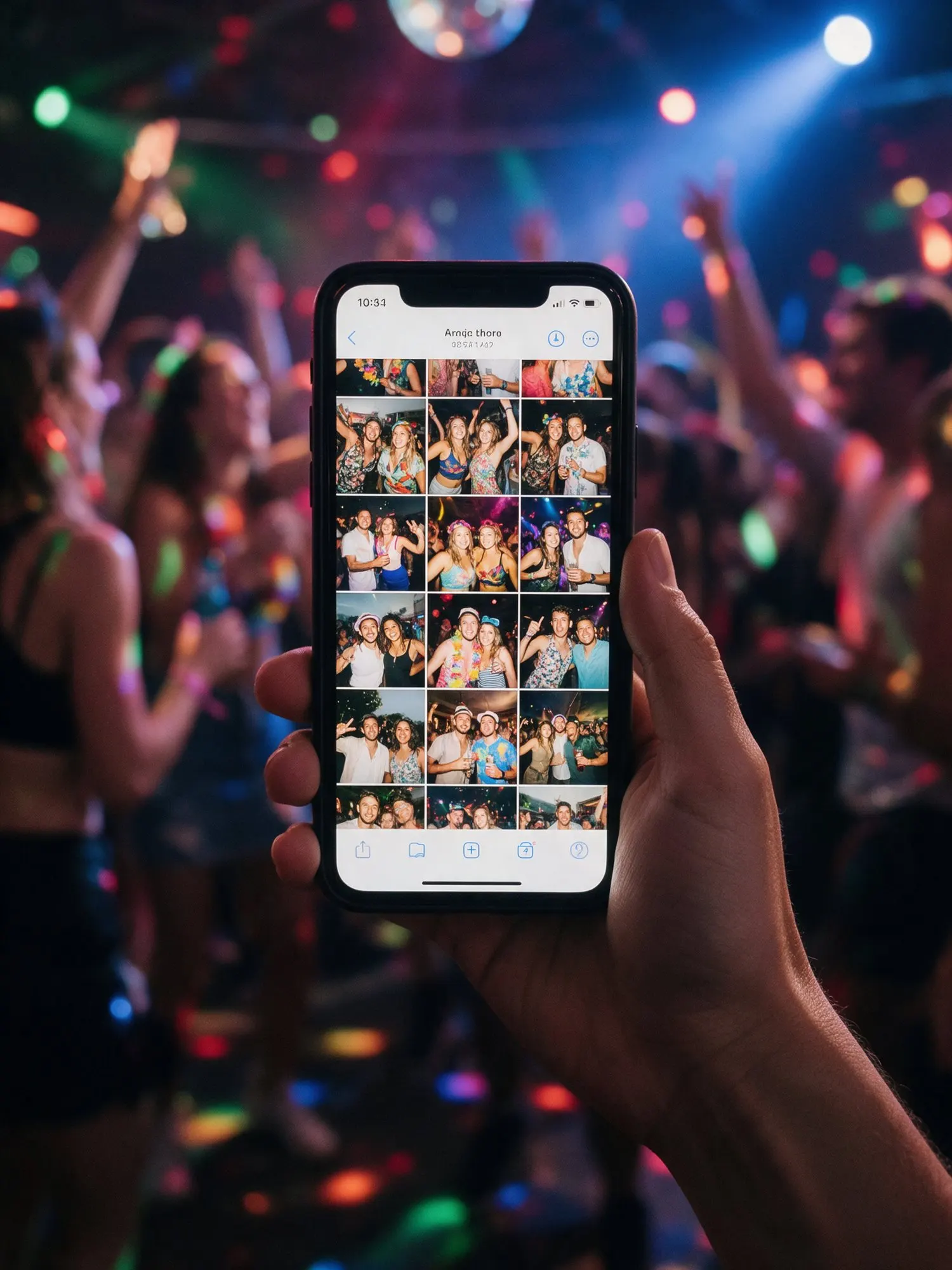

Private by design
An event album holds personal moments: children, families, people letting their hair down. Kukuva is built to keep them among the people you invite.
What we do for every event
- Location removed. Phones store the GPS position inside every photo. Kukuva strips it from the photos guests see and download, so nobody can find out where a picture was taken from the file.
- Stored in the EU. Photos and videos are stored with Cloudflare R2 in the European Union.
- Deleted when storage ends. When your package’s storage time is over, the files are deleted. We remind you before that, so you can download what you want to keep.
- A bin for mistakes. Deleted items can be restored for 30 days, then they are gone for good.
- Unlisted links. Your album is not listed anywhere on Kukuva. Only people with your QR code or link can reach it.
Extra protection on Pro
- Album password. Guests need the password to open the album.
- Upload-only album. Guests send photos without seeing the others.
- No downloads for guests. Photos stay in the album and the hosts keep the files.
- Approve before it shows. Nothing appears in the album or on the wall until you approve it.
Your host account
Turn on two-step sign-in for your account, so a code from an authenticator app is needed as well as your password. Co-hosts sign in with their own accounts, and you decide who you invite.
Guests stay anonymous if they wish
Guests don’t create accounts and don’t give their e-mail to upload. The name box is optional, and you can turn it off. If you use the guest form to ask questions, you decide which questions to ask and whether they are required.
A Cyprus company
Kukuva is run by TKOCY LTD in Cyprus, under EU data protection law. Questions about your data? E-mail [email protected] and we will answer.