
How Kukuva works
Set up your event in a few minutes, print one QR code and let your guests fill the album. Here is the whole thing, step by step.
From QR code to a full album in four steps
- 1
Create your event
Sign up, name your event and pick its date. Choose your colours, fonts and a welcome screen. It takes a few minutes, and Free needs no card.
- 2
Share the QR code
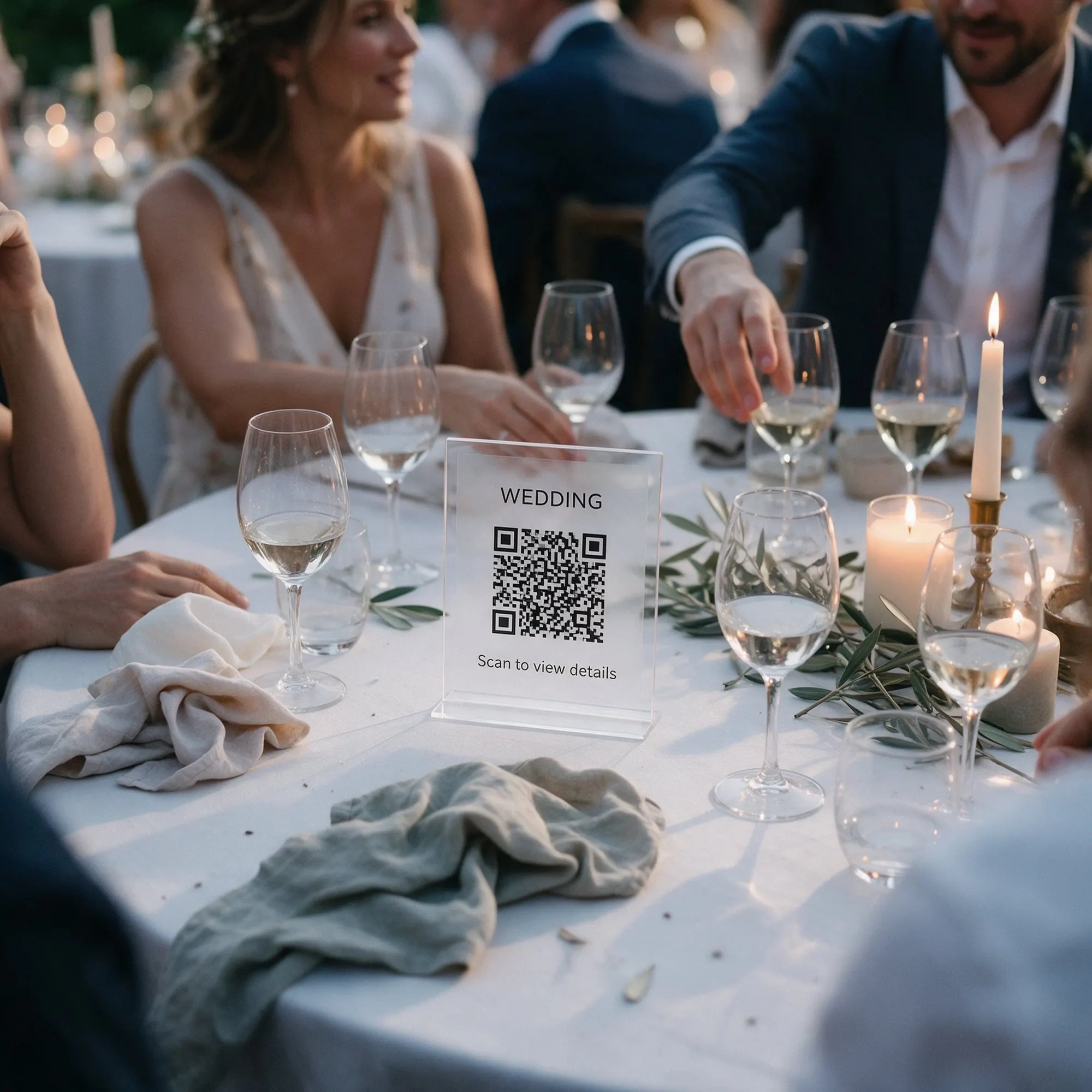
Print ready-made table cards or an A4 poster, give the code to your designer, or send the link in a WhatsApp group.
- 3
Guests add photos, videos and wishes
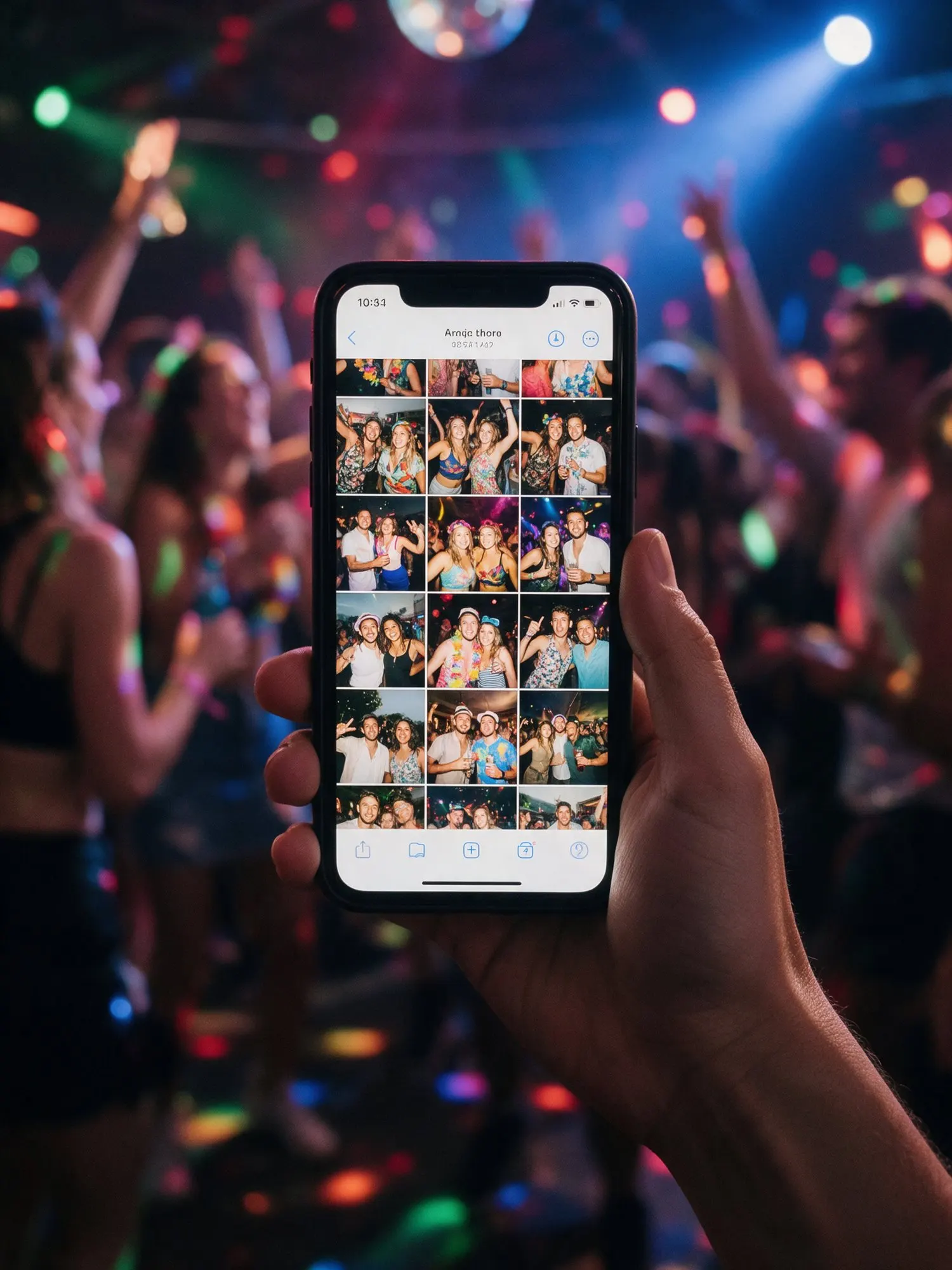
Guests scan the code and the album opens in their browser. No app, no sign-up. They add photos, videos and written wishes, and on Pro voice messages too.
- 4
Enjoy the live wall and keep everything
Show new photos on a TV or projector within seconds. After the event, download the whole album in original quality with Plus or Pro.


Before the event
Create your event. Sign up with your e-mail, give the event a name and a date, and choose a package. Free needs no card, and you can upgrade later and pay only the difference.
Make it yours. Pick colours and fonts, add a cover photo and a welcome screen with a short message for your guests. On Plus you can add a countdown that shows until the day, and on Pro you can choose your own link name, like album.kukuva.cy/maria-and-nikos.
Print the QR code. The QR designer makes a code in your colours. Print it on table cards or an A4 poster straight from Kukuva, or download it for your stationery designer. You can also send the link in a WhatsApp group or with the invitations.
Invite co-hosts. Add a partner, a parent or your event planner by e-mail so they can help manage the album.
During the event
Guests scan and share. Guests point their camera at the QR code and the album opens in their browser. No app, no account, no password to remember (unless you set one). They tap to add photos and videos straight from the camera roll, write a wish, or record a voice message on Pro. iPhone and Android files both work, including HEIC photos, Live Photos and 4K video. If the venue Wi-Fi is weak, uploads continue where they stopped.
Put the wall on a screen. Open the live photo wall on a TV or projector. New photos appear within seconds, with your QR code on screen so more guests join in. Photo challenges and the most liked photos show up between slides.
Stay in control. Hide or delete anything from your phone in a tap. On Pro you can approve every upload before it is shown.
After the event
Relive it together. Guests can keep browsing the album, like their favourite moments and save photos to their phones.
Keep everything. Download the whole album as a ZIP, in original quality on Plus and Pro, or pick only the photos you want. Files stay online for 14 days on Free, 1 year on Plus and 2 years on Pro, and are deleted when the storage time ends.
Questions? See the FAQ or contact us.
Everything you need to collect the memories
Made for weddings, christenings and parties in Cyprus, and for the phones guests really carry.
One shared album for all your guests
Every photo, video and wish your guests take lands in one album. No app to install, no sign-up, unlimited guests on every package.
Learn moreQR codes, table cards and posters
Design a QR code in your colours and print ready-made table cards or an A4 poster. Guests scan it and they are in the album.
Learn moreLive photo wall
Show your guests’ photos and videos on a TV or projector as they arrive. New uploads appear within seconds, with your QR code on screen so more guests join in.
Learn more ProVoice messages and written wishes
Guests write wishes on every package and record voice messages on Pro. An audio guestbook without a phone on a table.
Learn more Plus and ProPhoto challenges
Give guests fun missions like “a selfie with the bride” or “the best dance move”. They tick them off as they go, and the wall shows the challenges between photos.
Learn more Plus and ProDownload everything
Download the whole album as a ZIP in original quality, or pick only the photos you want. Your memories stay yours.
Learn moreYour guests already have the cameras
Give them one QR code and keep every photo, video and wish from the day. Set up your event in five minutes.
Free to start. No card needed.