
A keepsake in every photo
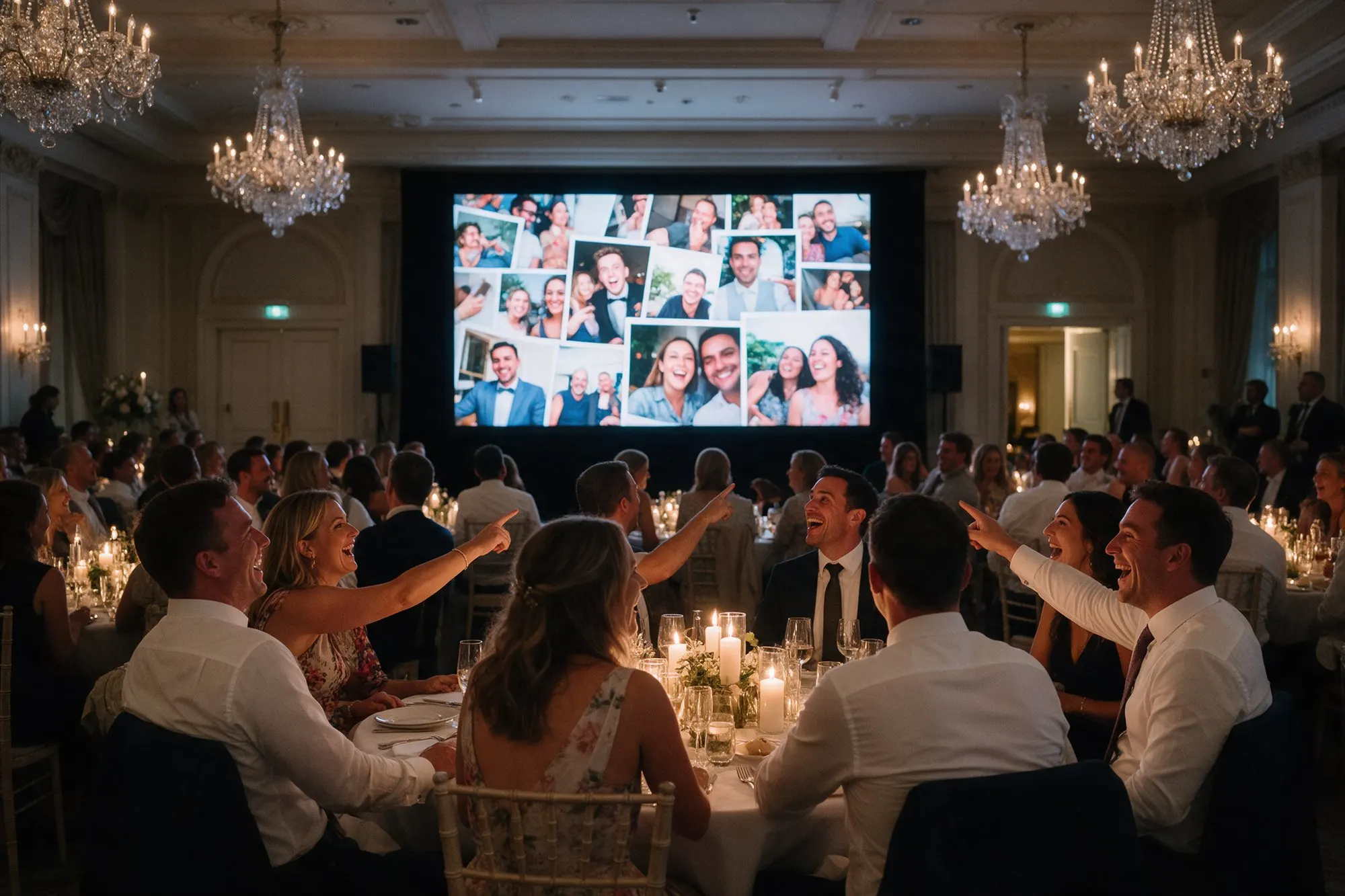
Event frames add a finishing touch around your guests’ photos, with your names or the event title, the date and your logo. Every photo on the live photo wall carries it, and so does every single photo guests save from the album to their phones. When a guest posts a photo from your wedding, everyone sees whose wedding it was.
Event frames are included in Pro.
Three styles
- Polaroid – a white instant-photo border with your text underneath, warm and nostalgic.
- Classic – a clean border all around, elegant for weddings and formal dinners.
- Band – a strip along the edge with your text, modern and minimal, a good fit for parties and brands.
You choose the frame colour to match your design and see a preview of it before your guests do.
Where the frame appears
- On the live photo wall, around every photo.
- In the photos guests save one by one from the album.
The original photos stay untouched. When you download the whole album as a ZIP, you get the photos without frames, so you can print them or give them to your photographer as they are.
Who uses frames
Couples who want their wedding photos to carry their names and date, like a printed wedding favour.
Christenings and birthdays, with the child’s name in the frame.
Companies at launches, conferences and staff parties, where the logo on every shared photo is free visibility on social media.
Planners and venues who want every event they run to look finished and personal.
Tip
Keep the text short, such as “Maria & Nikos · 12.06.2027”. Short text stays readable on a phone screen and does not cover the photo.