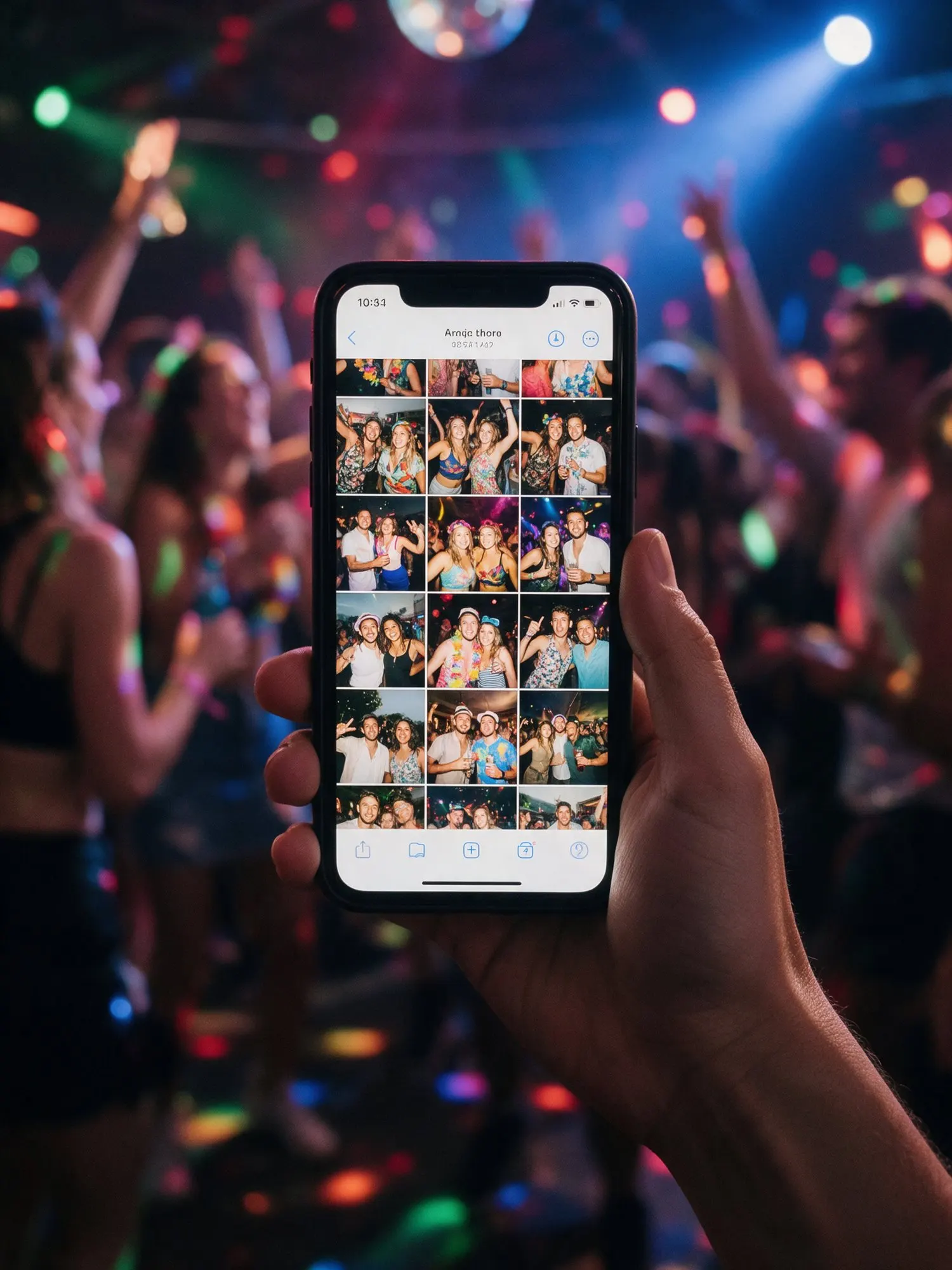

Whatever phone your guests have
Your guests bring every kind of phone, from the newest iPhone to an older Android. Kukuva takes what they shoot without asking them to change anything:
- iPhone photos in HEIC, the format iPhones use by default.
- Live Photos, the short moving photos iPhones take.
- Videos in .mov and .mp4, including 4K.
- Ordinary JPEG and PNG photos from any phone or camera.
Guests don’t need to convert files or pick special settings. They choose from the camera roll and tap send. Kukuva prepares the files so they play and display on every phone and on the wall.
Built for weak venue Wi-Fi
Churches with thick stone walls, halls in a basement, gardens out of town. Mobile signal at Cypriot venues is often patchy, and venue Wi-Fi slows down when two hundred people use it at once. Kukuva uploads large files in parts. If the connection drops, the upload continues from where it stopped instead of starting again. Guests can put the phone back in their pocket and the photos keep going once the signal returns.
Quality you can choose
On Free, photos and videos are kept in good quality, perfect for viewing and sharing. On Plus and Pro, Kukuva also keeps the original files exactly as the guests took them, and you get those originals when you download the album. If you plan to print photos or make a video of the day, choose Plus or Pro.
Choose what guests can send
On Plus and Pro you can decide which kinds of uploads you accept. Want only photos for a formal dinner? Turn videos and text messages off. Want everything at a birthday party? Leave it all on.
Videos on the wall
Videos play on the live photo wall with the photos, so the speech, the first dance or the moment the bouzouki started play again for the whole room. On Plus and Pro you can set how long videos run on screen.