Let your guests pick the favourites
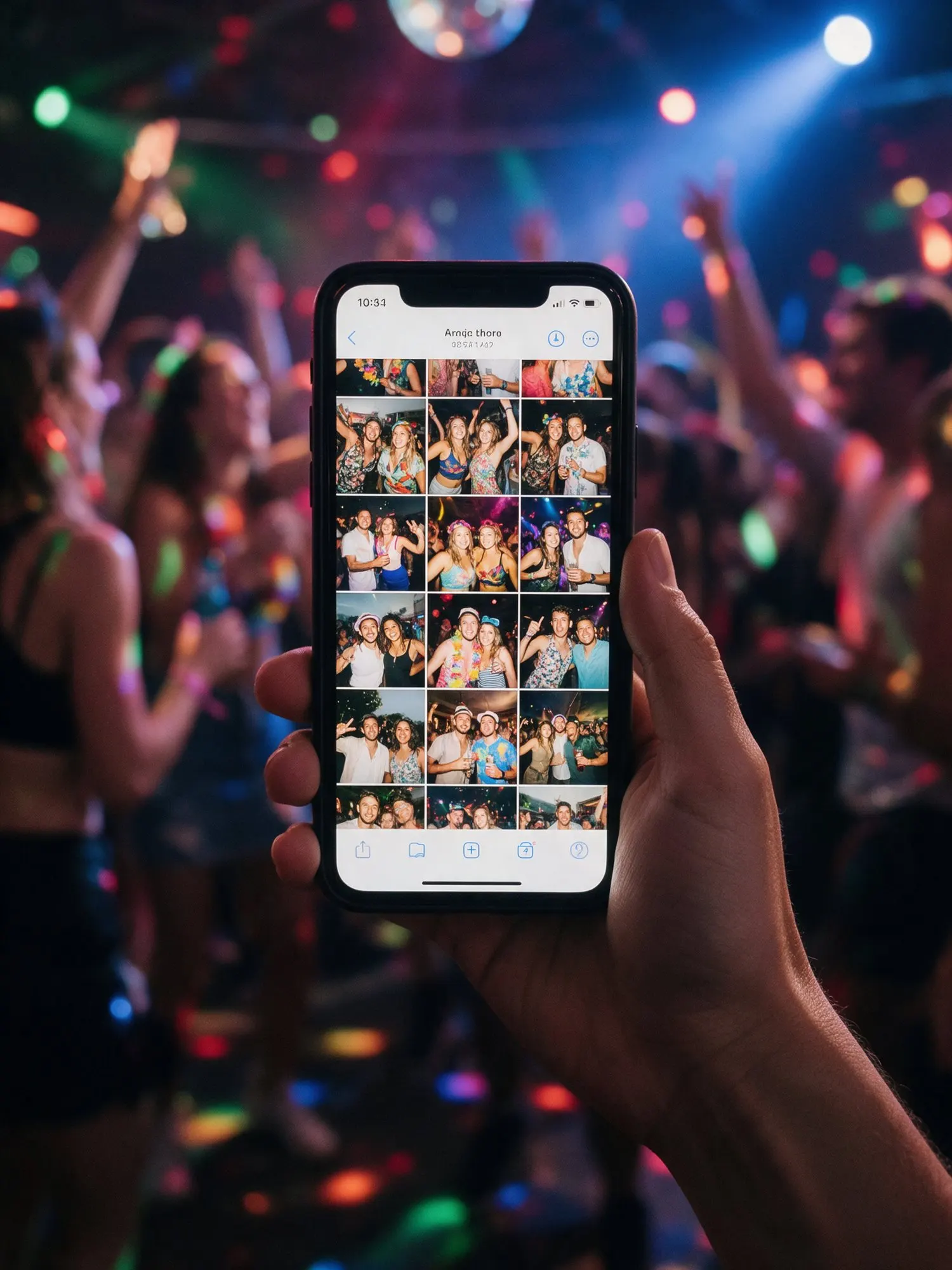
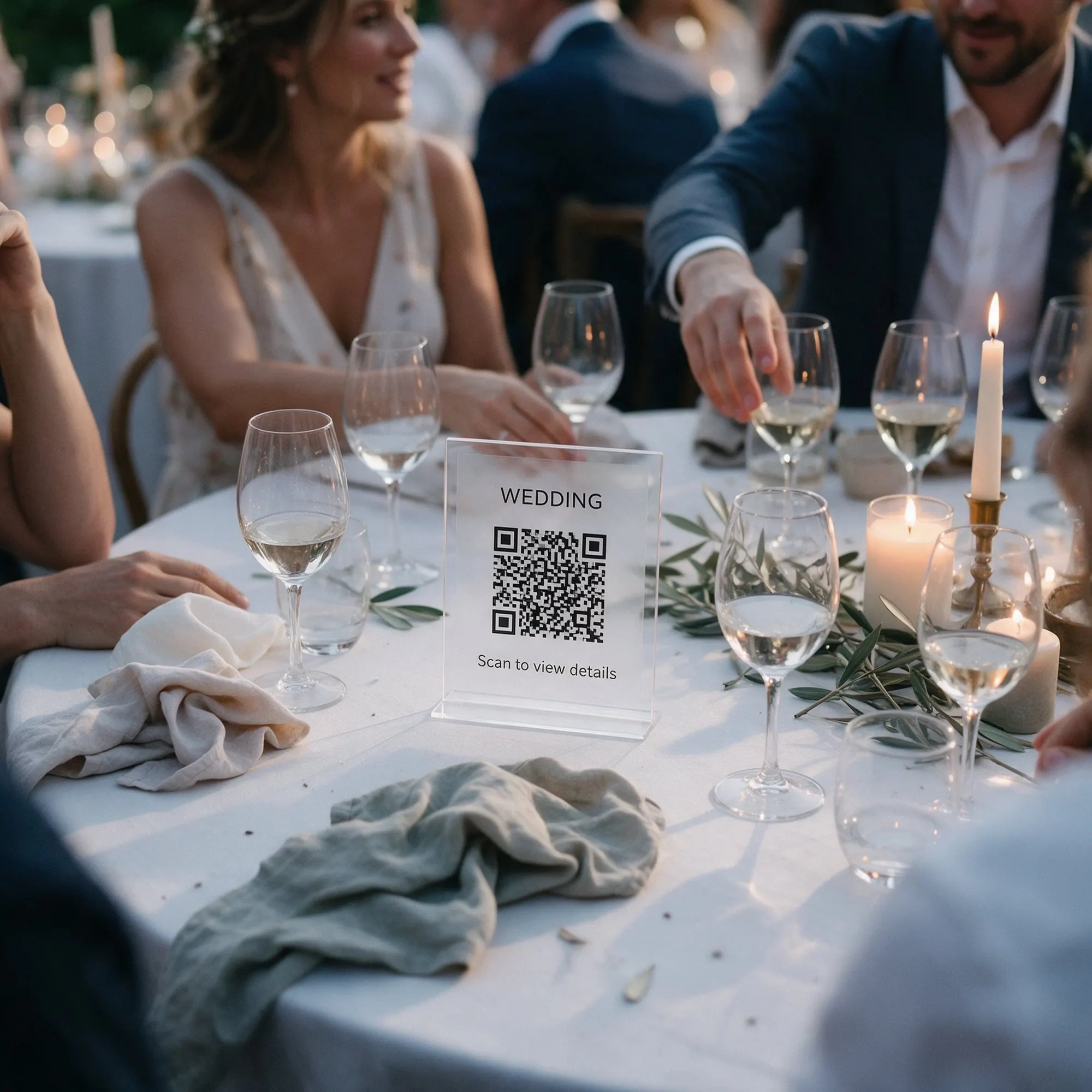
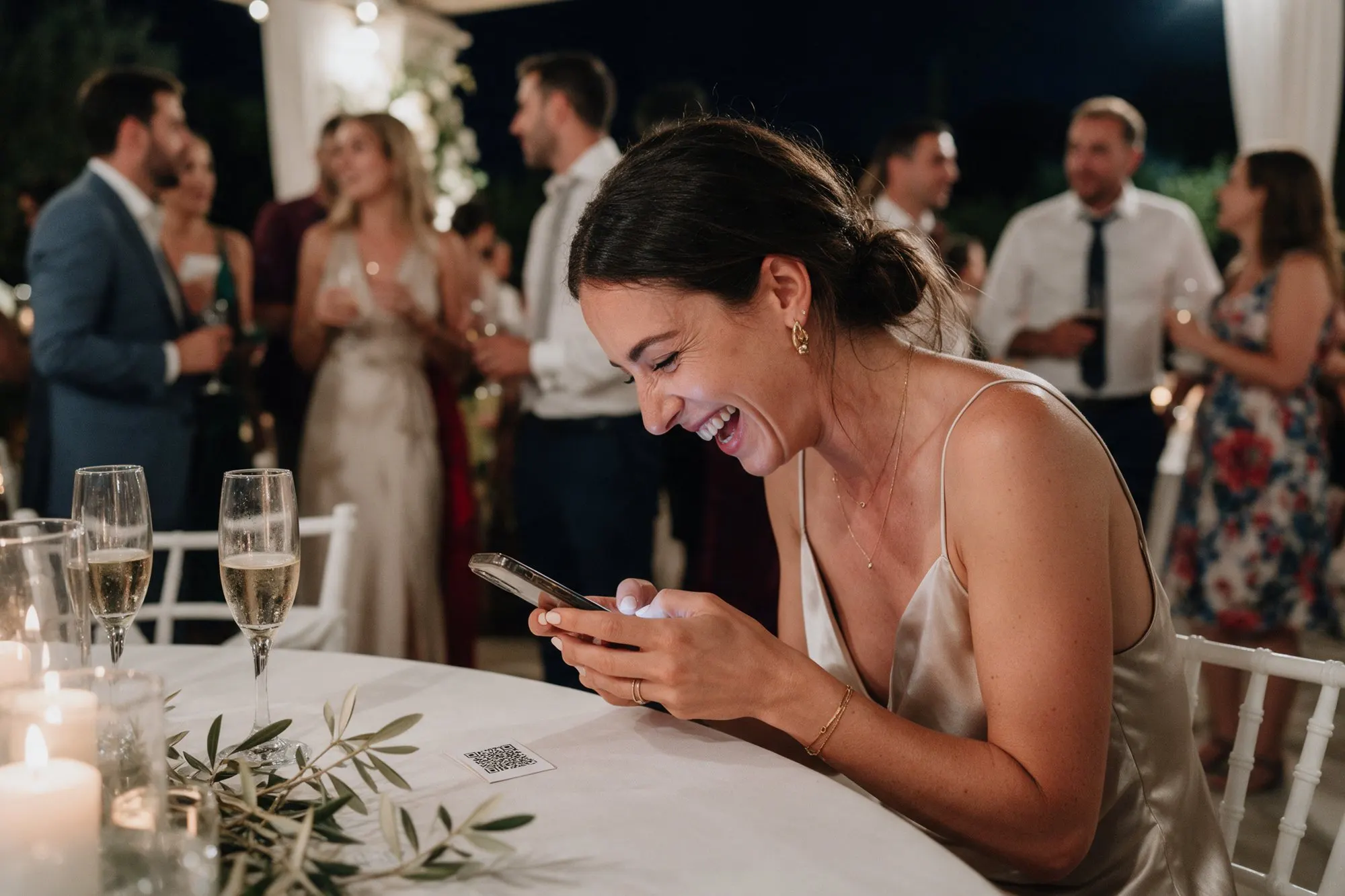
A big event can easily collect hundreds or thousands of photos. Likes help the best ones stand out. Guests tap the heart on any photo or video in the album, the same way they would on social media. There is no account, so a like is counted once per phone.
Likes are included in every package.
“Most liked”
The album has a “Most liked” view that sorts everything by hearts. It is the quickest way to see the highlights of the day, and guests love checking whether their photo made it to the top.
As a host you can filter the album by likes too. When you choose photos to print, to frame or to send to your photographer for an album page, start with the most liked.
Favourites on the wall
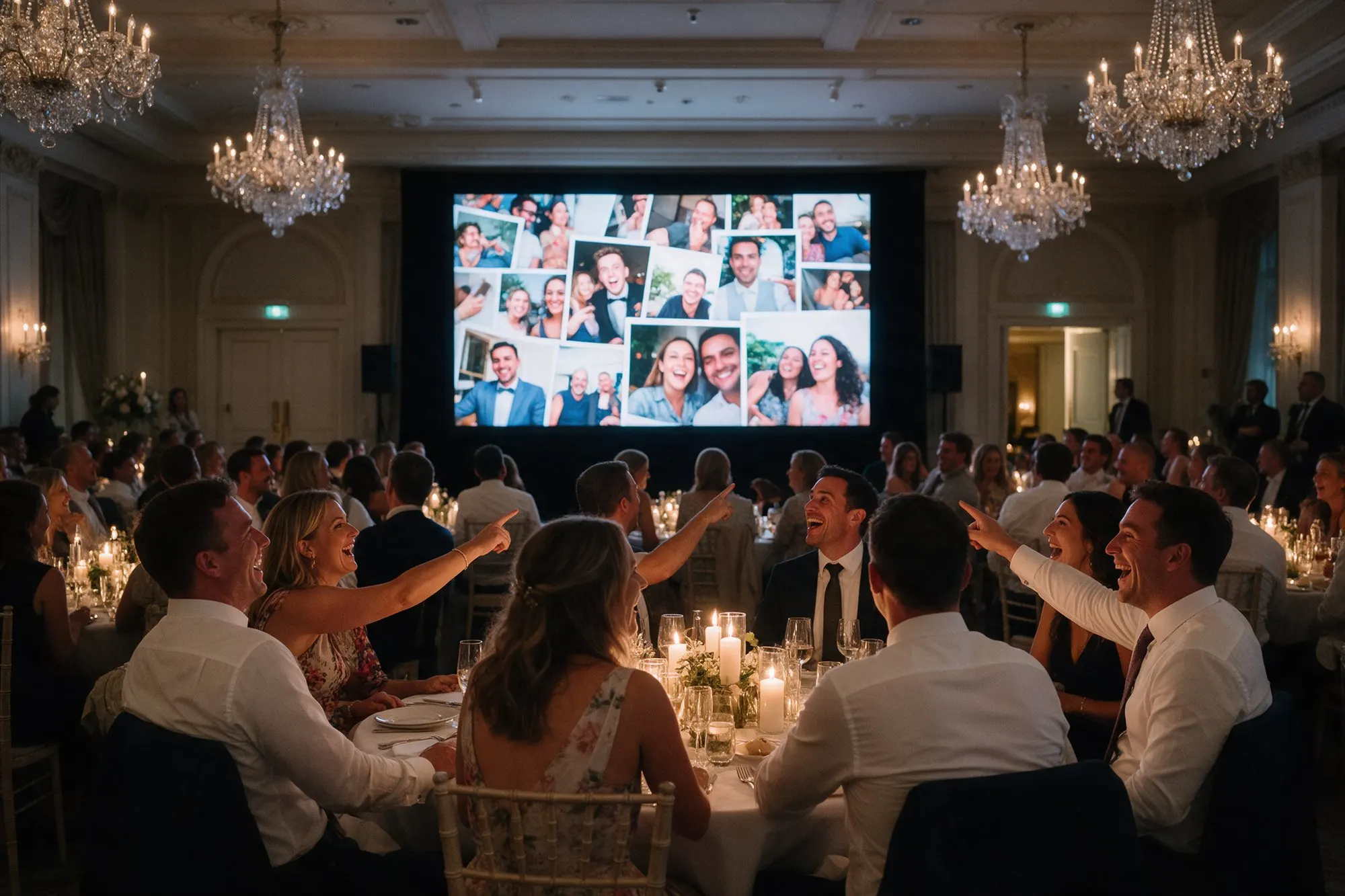
Every few slides, the live photo wall brings back one of the most liked photos. The moments everyone loved get a second moment on the big screen, while new uploads keep coming in.
After the event
The day after, guests often come back to the album and keep liking. By the time you sit down to choose photos for a printed album or a thank-you card, the favourites are already waiting for you.
Tips
- Mention the hearts when you introduce the album: “Like your favourites, the best ones go on the big screen.”
- Use the most liked photos for your thank-you cards and social media posts.
- For a company event, the most liked photo can win a small prize at the end of the night.