

The party, on the big screen
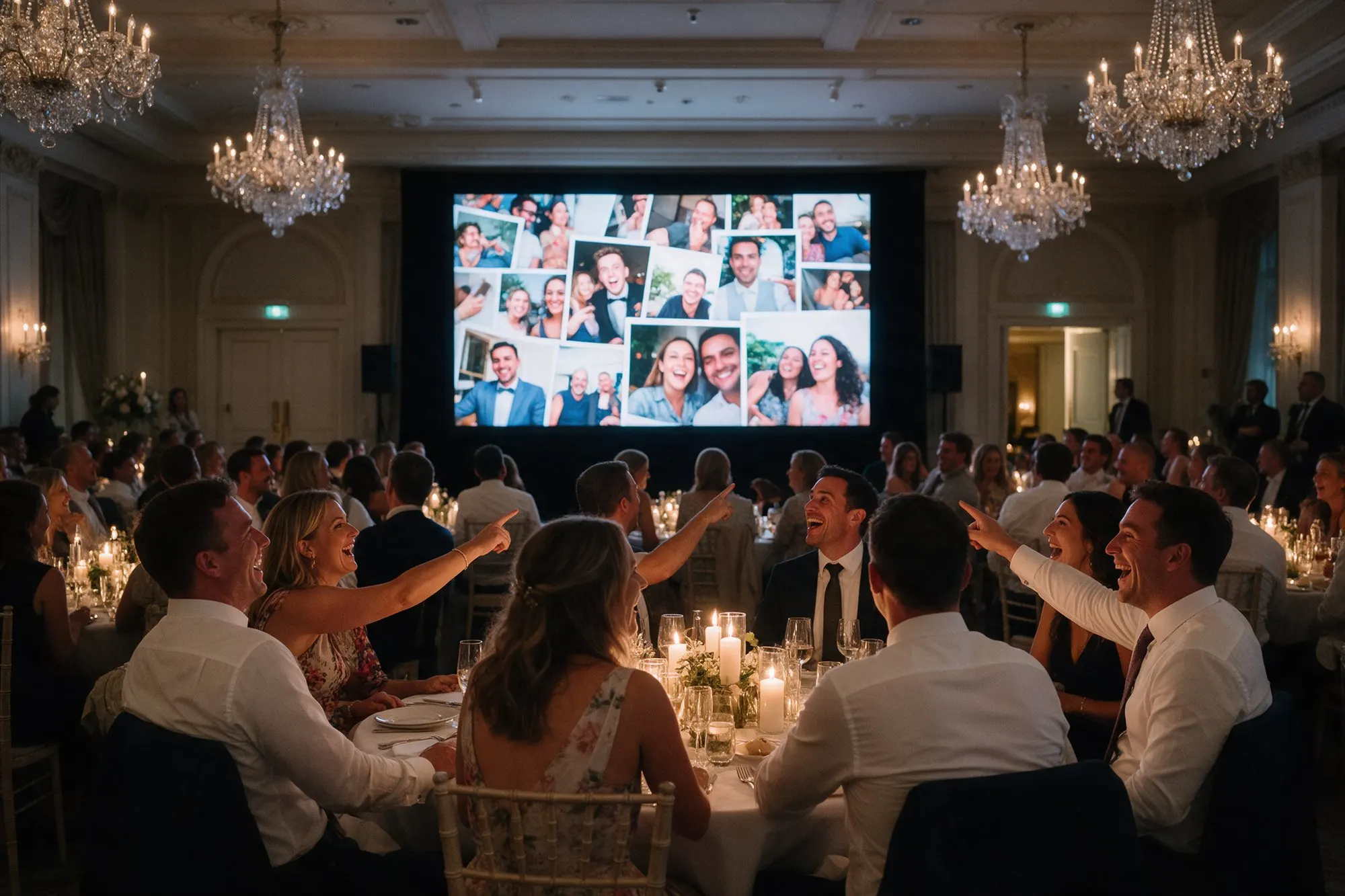
The live photo wall turns any TV, projector or laptop into a slideshow of your event as it happens. Open the wall link in a browser, go full screen, and every photo your guests share appears within seconds. People see their own photo come up, they laugh, they call their friends over, and they take more.
The wall is included in every package, Free too.
Made for a room full of people
- Scrolling side columns show the latest photos next to the main slide, so the screen always feels alive.
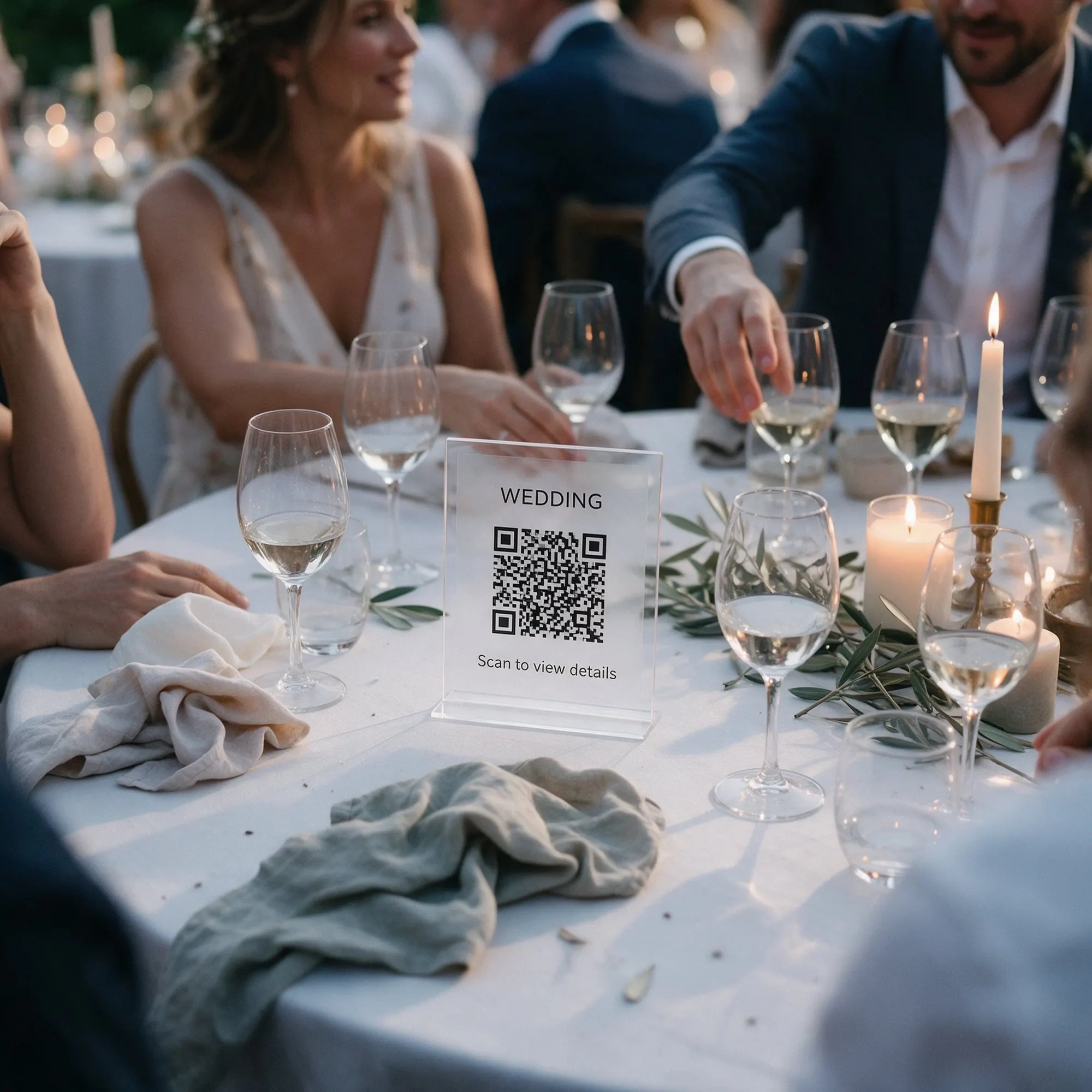
- Your QR code on the wall. Move it to any corner and resize it, and the layout is saved for that wall. Guests who see the screen can scan it and join straight away.
- Captions show the guest’s name and caption.
- Videos play on the wall too, so the first dance or the cake cutting can run again on screen.
- Photo challenges and favourites appear between slides, which keeps guests taking part all evening.
You stay in charge
Something on the wall you would rather not show? Remove it from the wall with one tap, without deleting it from the album. On Pro you can approve every upload before it appears at all.
On Plus and Pro you can also set how long each photo and video stays on screen, choose the transition between slides and pick light or dark captions. You can add your own background image to match the decoration. Voice messages stay in the album and are not played on the wall.
Setting it up at the venue
- Any screen with a browser works: a smart TV, a laptop connected to a projector or a TV by HDMI.
- Test the wall at the venue before the guests arrive, on the venue’s Wi-Fi or a phone hotspot.
- In outdoor venues, the wall looks best after sunset. A projector needs a dark area, a TV works in the evening light.
- Place the screen where people gather, near the bar or the dance floor, not behind the head table.