
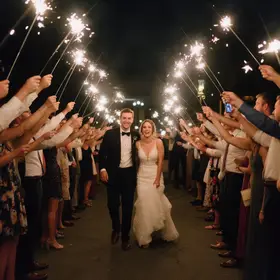
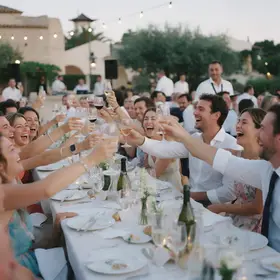
Turn guests into your photographers
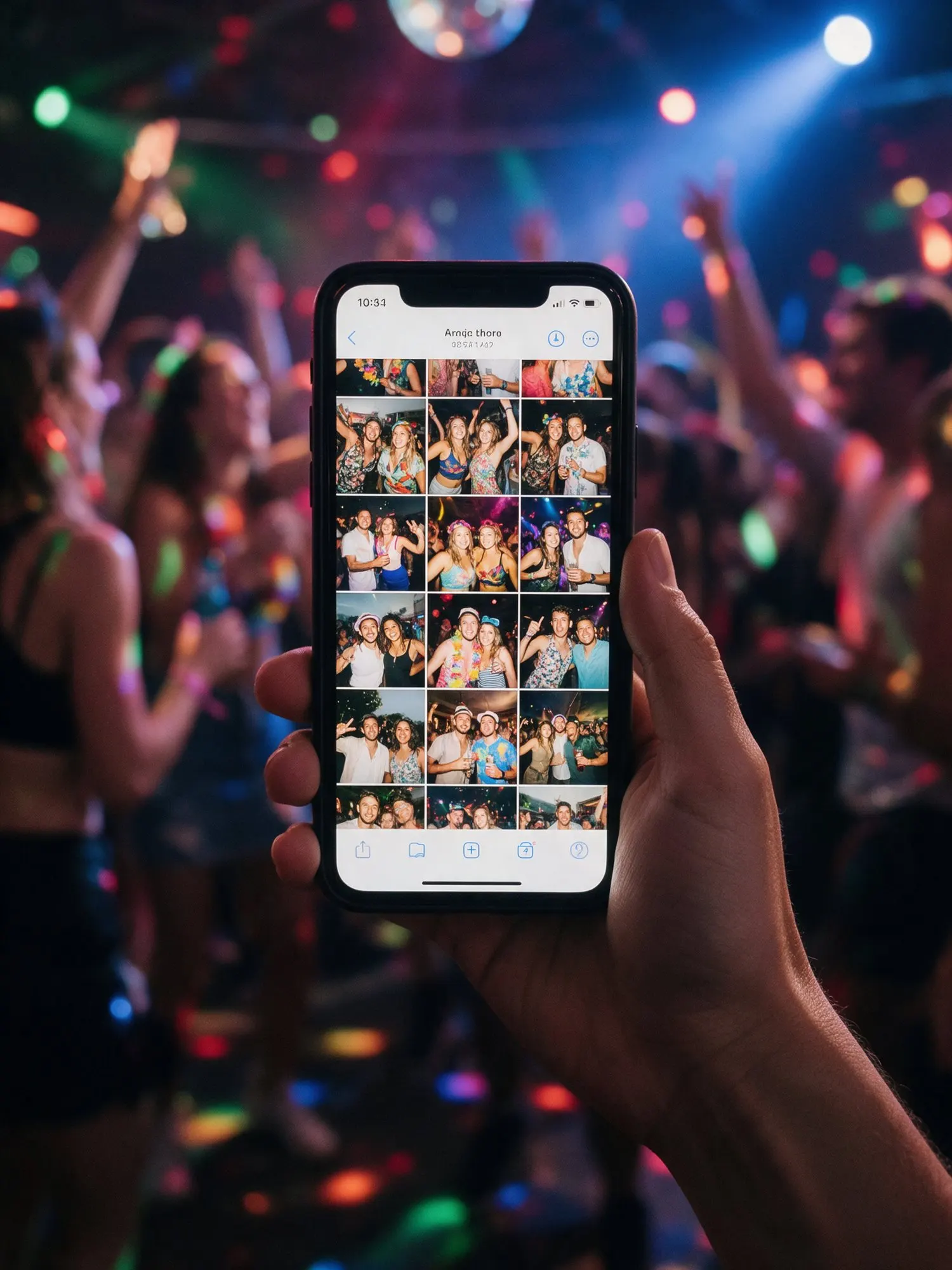
Most guests take a few photos and then put the phone away. Photo challenges give them a reason to keep shooting. You set a short list of small missions, and guests try to complete them during the event.
Photo challenges are included in Plus and Pro.
How it works
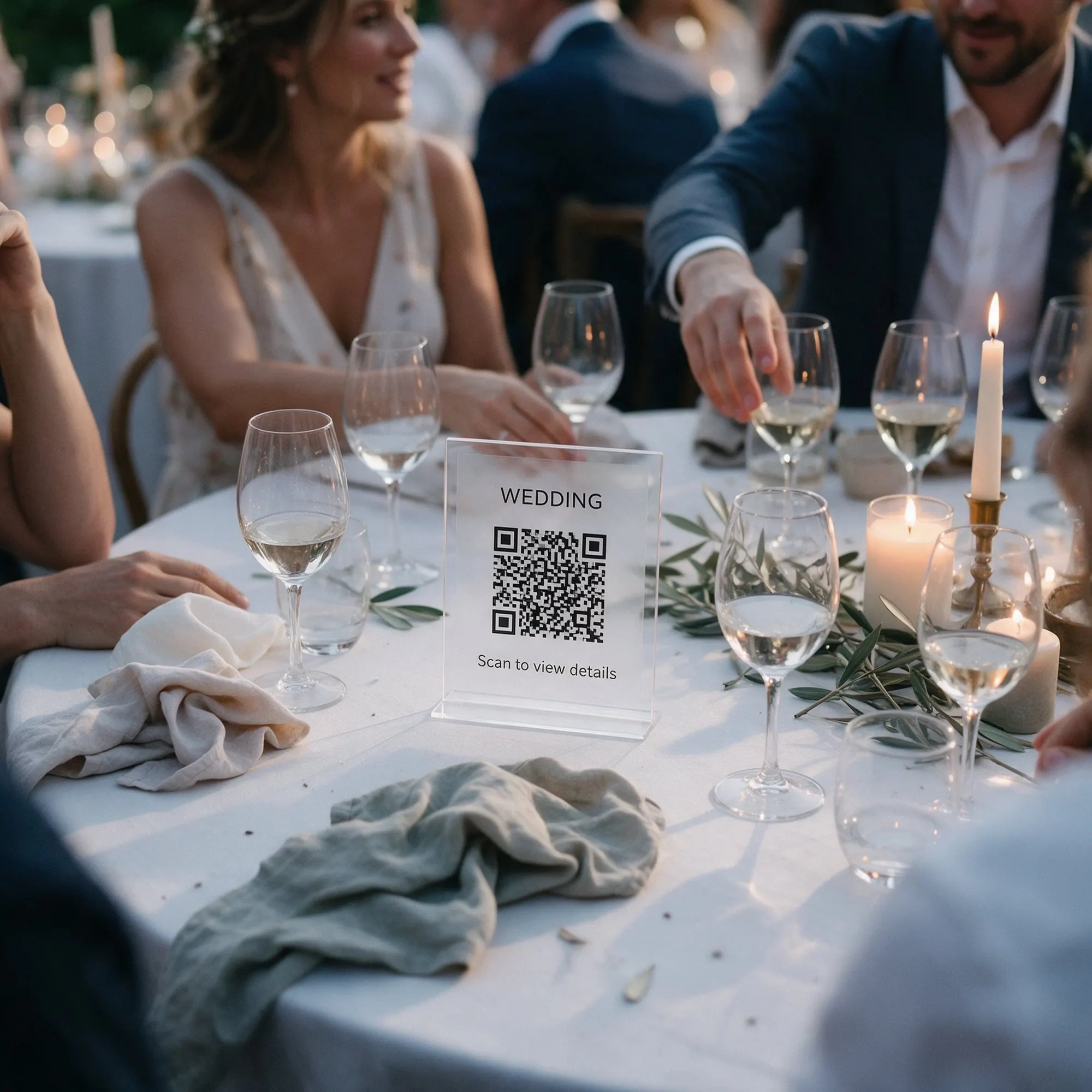
You write up to 20 challenges, or pick from ready-made ideas for your type of event. Guests see the list in the album. When they take a photo for a challenge, they send it for that challenge, and it is ticked off on their phone. Everything they send still goes into the main album.
You can open all the photos for a challenge in one place, which makes for lovely little collections: every selfie with the groom, every photo of the cake, every “best dressed” candidate.
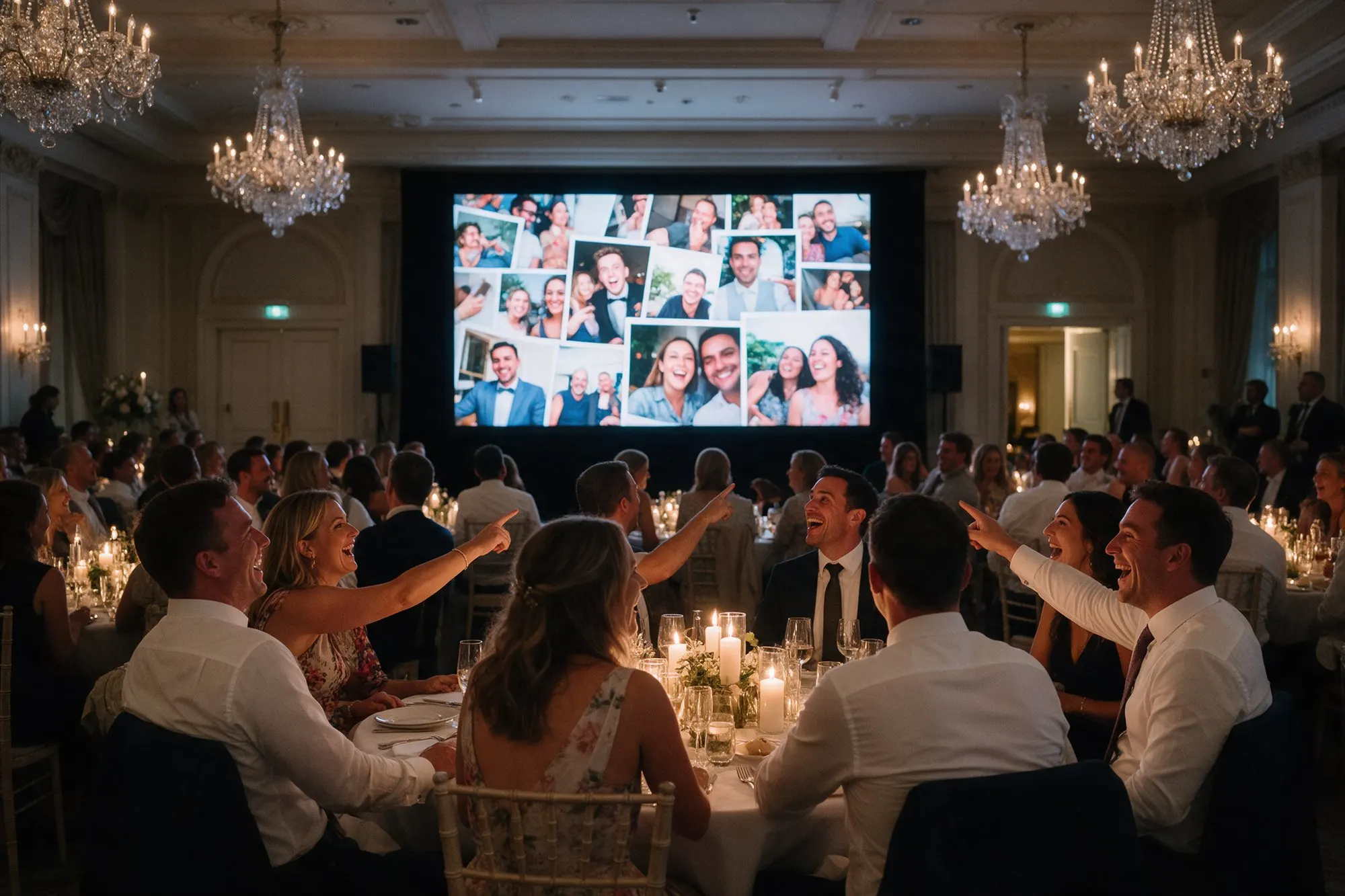
On the live photo wall
Every few slides, the wall shows one of your challenges as a card. Guests standing by the screen see it, laugh, and go and do it. It keeps the energy up through the whole evening, not just in the first hour.
Ideas for Cyprus events
Weddings
- A selfie with the bride, and one with the groom
- The best moment of the zeibekiko
- Someone pinning money on the couple during the first dance
- The table with the most fun
- Three generations in one photo
Christenings
- The godparent holding the baby
- The prettiest detail of the decoration
- A photo with the little one’s grandparents
Corporate events and parties
- A selfie with the CEO
- Your team in one photo
- The best dancer of the night
Tips
- Keep challenges short so guests can read them at a glance.
- Mix easy ones with a couple of harder ones.
- Write them in the language most of your guests speak.
- Ask the DJ or the host to announce the challenges early in the evening.