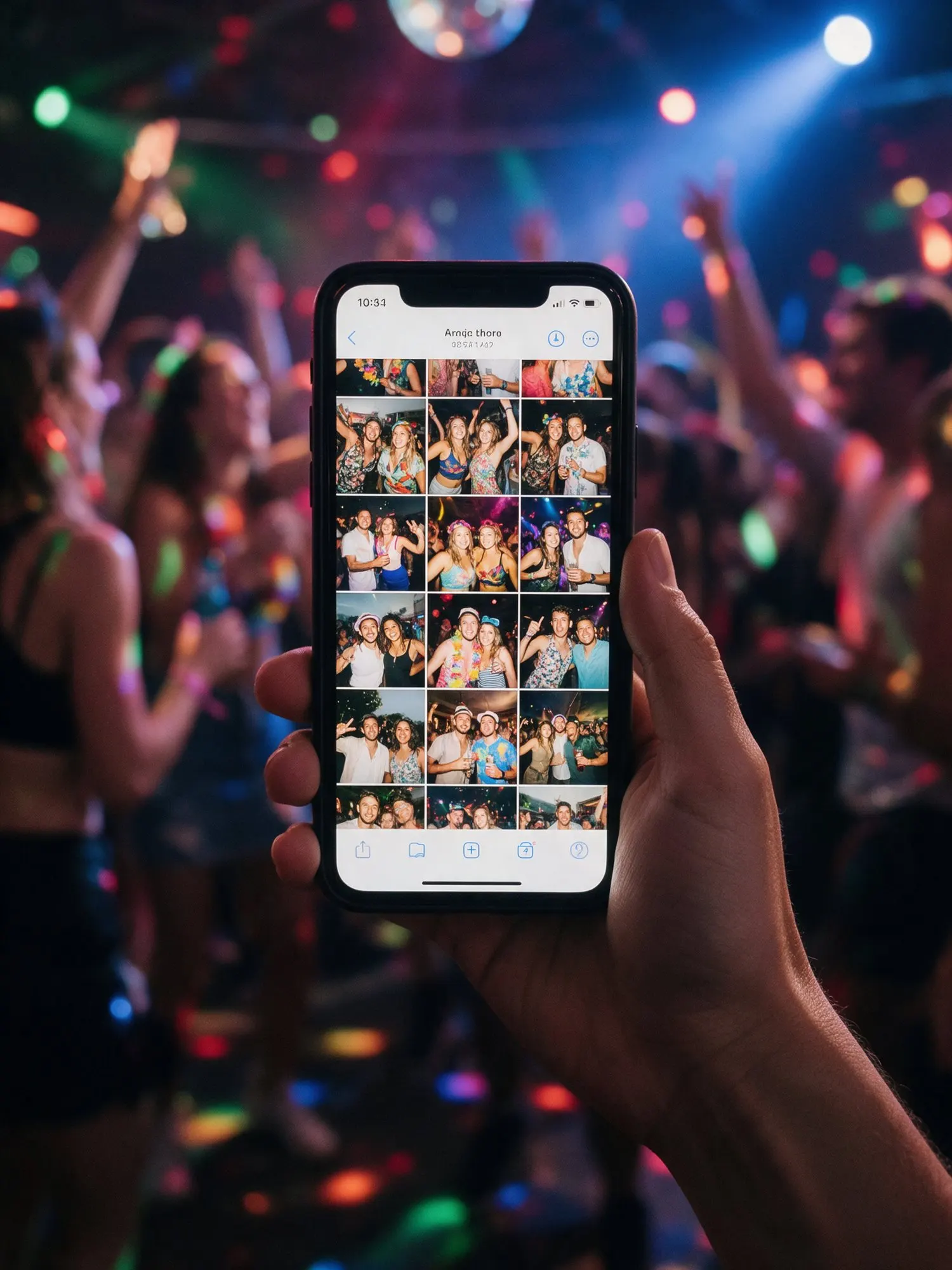




One code, straight into the album
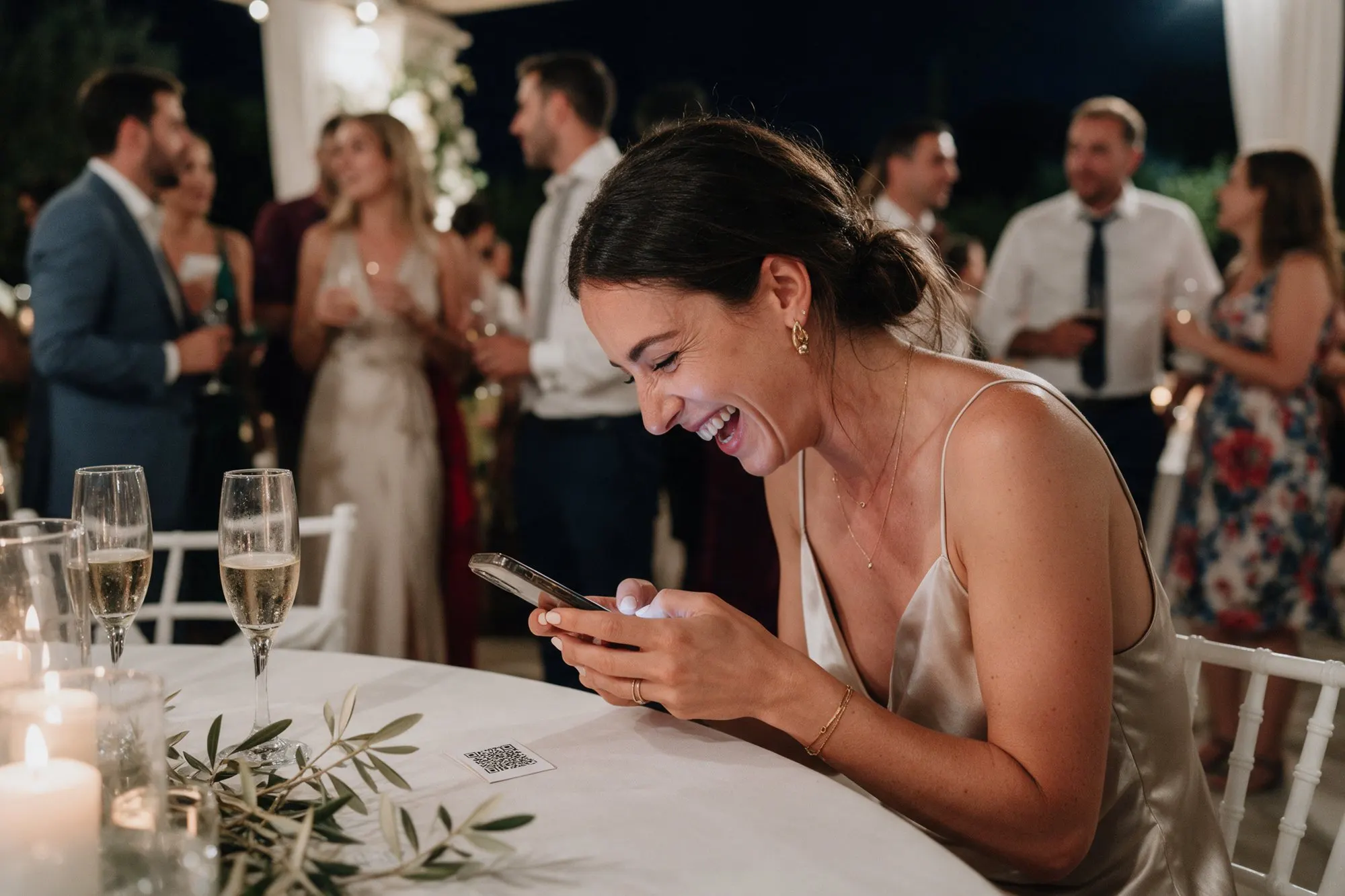
Your QR code is the door to your album. Guests point their phone camera at it, tap the link that appears, and the album opens. It works with the built-in camera on iPhone and Android, so nobody needs a QR app.
Design it to match your event
The QR designer lets you set the colours of the code and its background so it fits your invitations and decoration. You see the result as you go.
Ready to print
Kukuva makes the printouts for you:
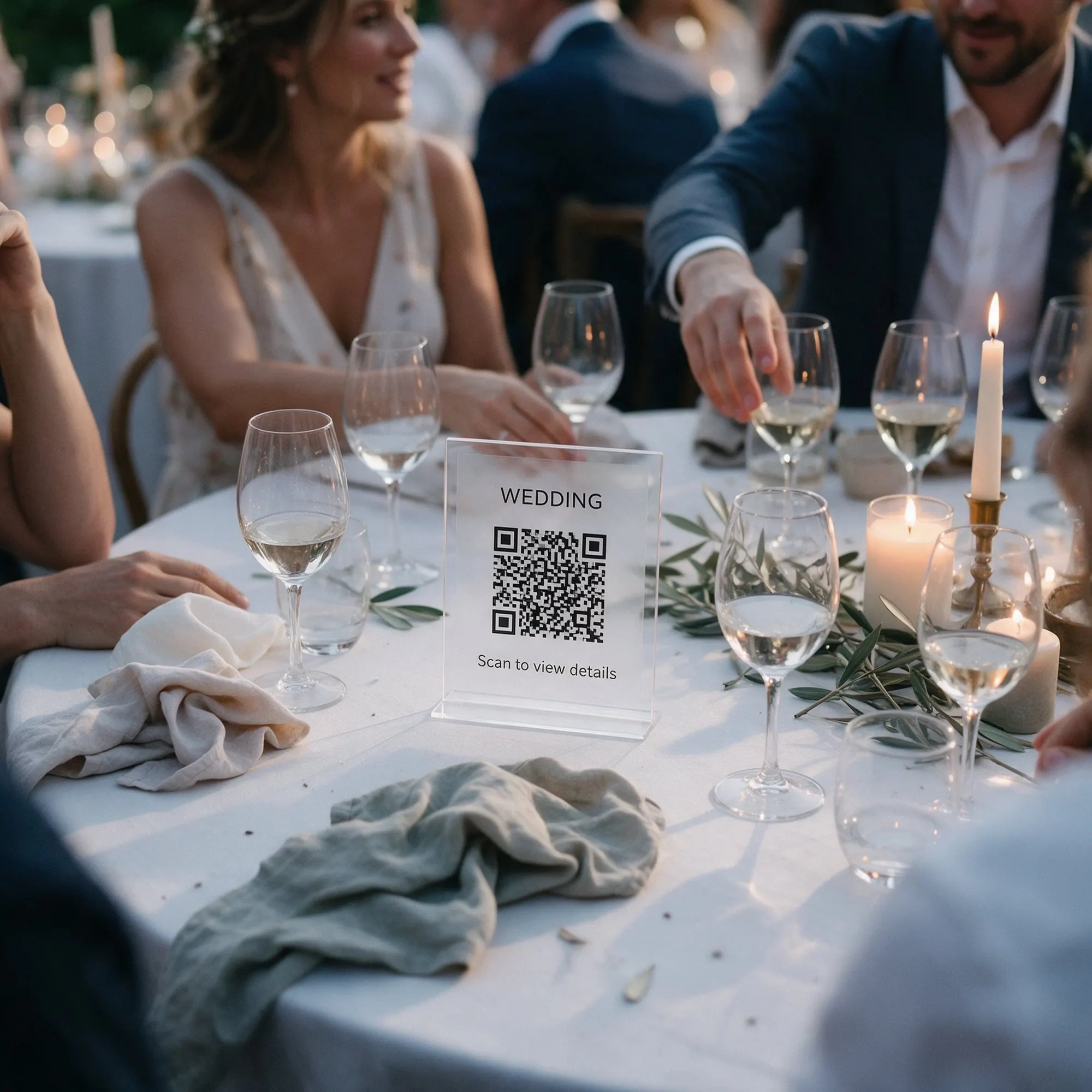
- Table cards with your QR code and a short line asking guests to share their photos. Print them at home or at a print shop, fold them and place one on every table.
- An A4 poster for the entrance, the bar or next to the photo booth.
Your logo can appear on the prints, or you can leave it off for a cleaner look. You can also download the code alone and give it to your stationery designer, so it goes on the menus, the seating plan or the welcome sign.
The link works too
Not everyone will be at the table when you want them to share. Copy your event link and send it to the family WhatsApp group, add it to your digital invitations or post it on social media. On Pro the link can carry your own name, such as album.kukuva.cy/maria-and-nikos.
Tips for the day
- Place codes where guests wait: the church entrance, the welcome drinks and every table.
- Print at least A6 size for table cards so the code is easy to scan from a seat.
- Ask the DJ or the host to mention the album once during the evening. It makes a real difference.
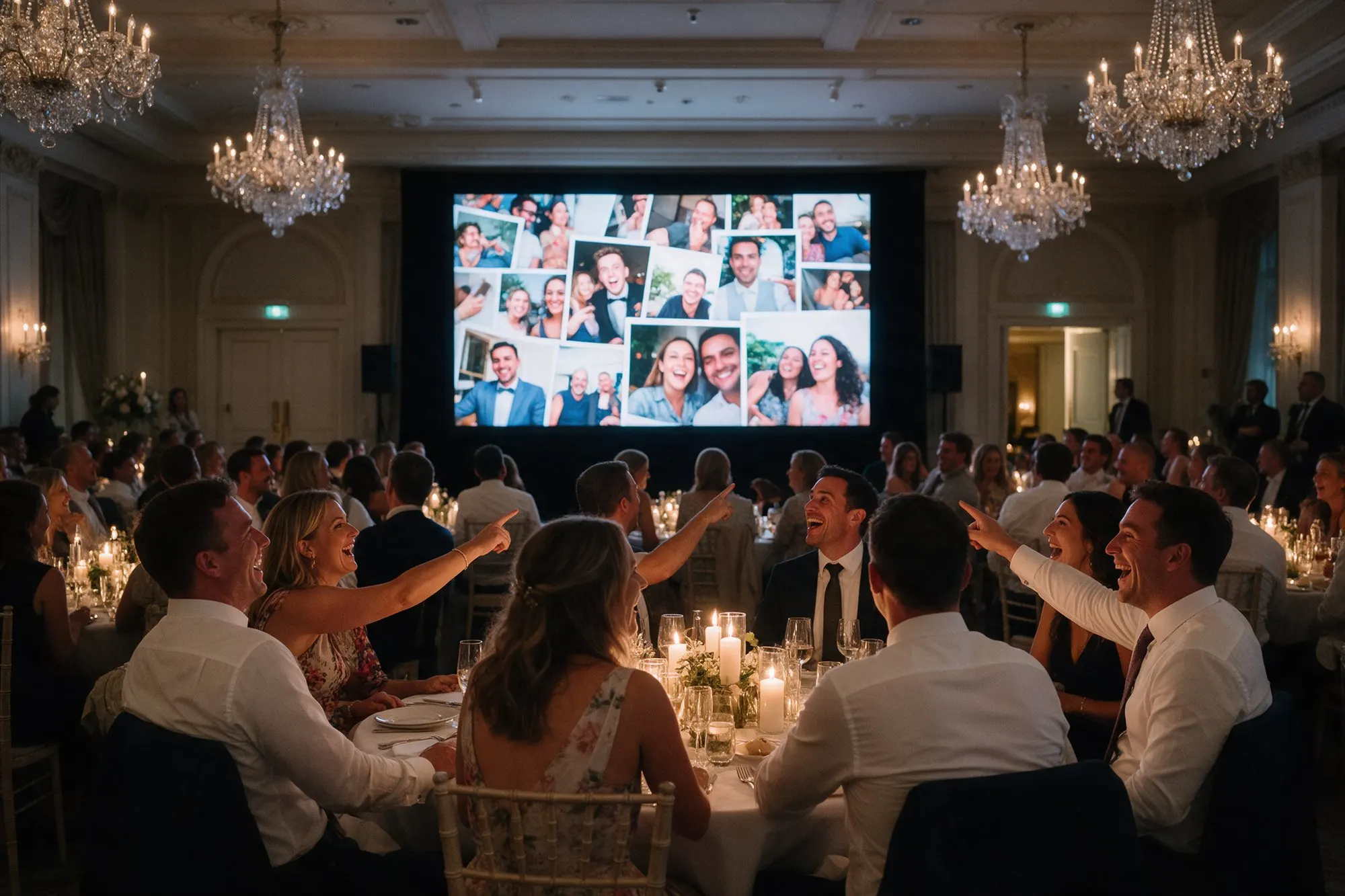
- Put the code on the live photo wall too, so guests who see their friends’ photos can join in.