More than photos
Some of the best moments of an event are words. A grandfather’s blessing, a best friend’s joke, a few lines from a cousin who lives abroad. Kukuva lets guests leave those too, right next to their photos.
Written wishes, on every package
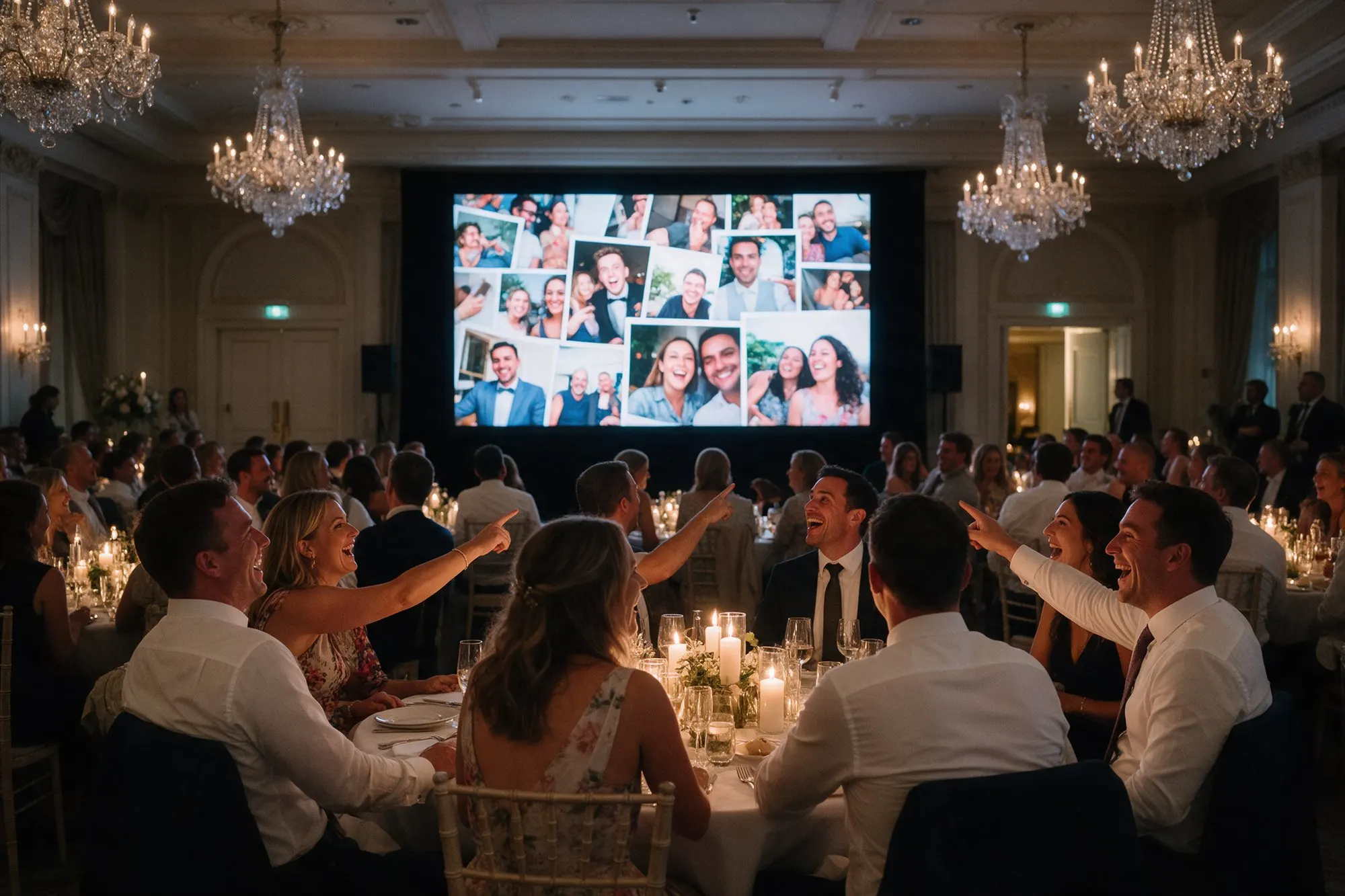
Guests tap to write a message and it appears in the album as a card, with a coloured background they can choose. Messages show on the live photo wall too, so the room can read the wishes as they come in. It works like a guestbook that nobody has to carry around, and you keep every message afterwards.
On Plus and Pro you can add up to eight of your own backgrounds for the message cards, such as your wedding colours, a pattern from your invitations or a photo of the venue.
Voice messages, on Pro
With Pro, guests can record a voice message straight from the album. They tap the microphone, speak, and send. No app, no phone line to call. The message is saved in the album with a small waveform, and you can play it back any time.
Voice messages are the modern version of the audio guestbook. Instead of one old telephone on a table with a queue in front of it, every guest has a microphone in their pocket. Grandparents who would never write a message are often happy to say a few words.
Voice messages stay in the album and are not played on the live photo wall, so the music and the speeches are never interrupted.
Keep them forever
Written and voice messages are included when you download the album, so they are part of the memories you keep, next to the photos and videos.
Ideas for your event
- At a wedding, ask guests to leave advice for the couple.
- At a christening, ask for a wish for the child to hear when they are older.
- At a retirement or a farewell, ask colleagues to share a favourite memory.
- For guests who couldn’t come, send the link so they can add a message from abroad.