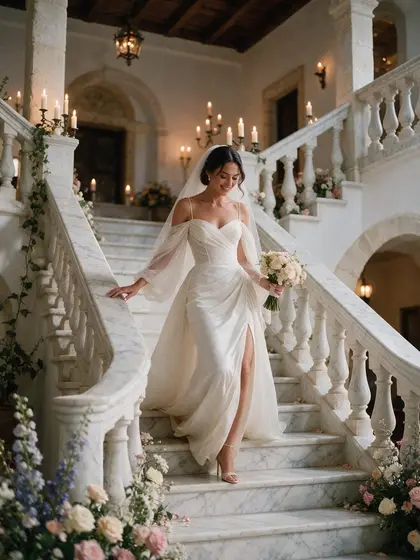
An album that looks like your event
Your invitations, flowers and table settings were chosen with care. Your album should match them. Kukuva lets you style what your guests see, without any design skills.
On every package
- Colours. Pick the main colour of your album, buttons and highlights.
- Fonts. Choose a font for your event’s title, from elegant to playful. All of them include Greek and Cyrillic letters.
- Cover and background images. Use a photo of the couple, the child or the venue.
- Welcome screen. Greet guests with a title, a short message and a button, over a background photo. You can add a gentle animation where the photo slowly zooms and the text fades in.
- Your logo at the top of the album.
- Wall background. Give the live photo wall its own background image.
On Plus
- Countdown. Before the day, the link shows a countdown to your event over a background of your choice. Guests who scan the code early see how many days are left, and the album opens when the time comes.
- Your own backgrounds for written messages, up to eight.
On Pro
- Your own link name, such as album.kukuva.cy/maria-and-nikos or album.kukuva.cy/acme-gala, easy to read on an invitation.
- No Kukuva branding in the album and on the wall, which matters for corporate events and for planners who offer the album as their own service.
- Event frames around photos, with your names, date and logo.
See it before your guests do
Every change shows in a preview as you make it, so you know exactly what guests will see on their phones. You can come back and change the design at any time, even during the event.
For Cyprus weddings and christenings
Many couples match the album to the colours of their invitations and the welcome screen to their wedding monogram. For christenings, a photo of the baby on the welcome screen and a soft colour work beautifully. Since guest pages are in Greek, English and Russian, write your welcome message in the language most of your guests speak.